Upload Image
Click to upload or drag and drop the image
Supports PNG, JPG, JPEG formats
Prompt
It takes 3-5 minutes to generate, please do not refresh the page
Aspect Ratio
More Effects


Use GPT-4o to Transform Image into Capsule Portrait
Transform this image into a capsule portrait
900+ users have used this effect
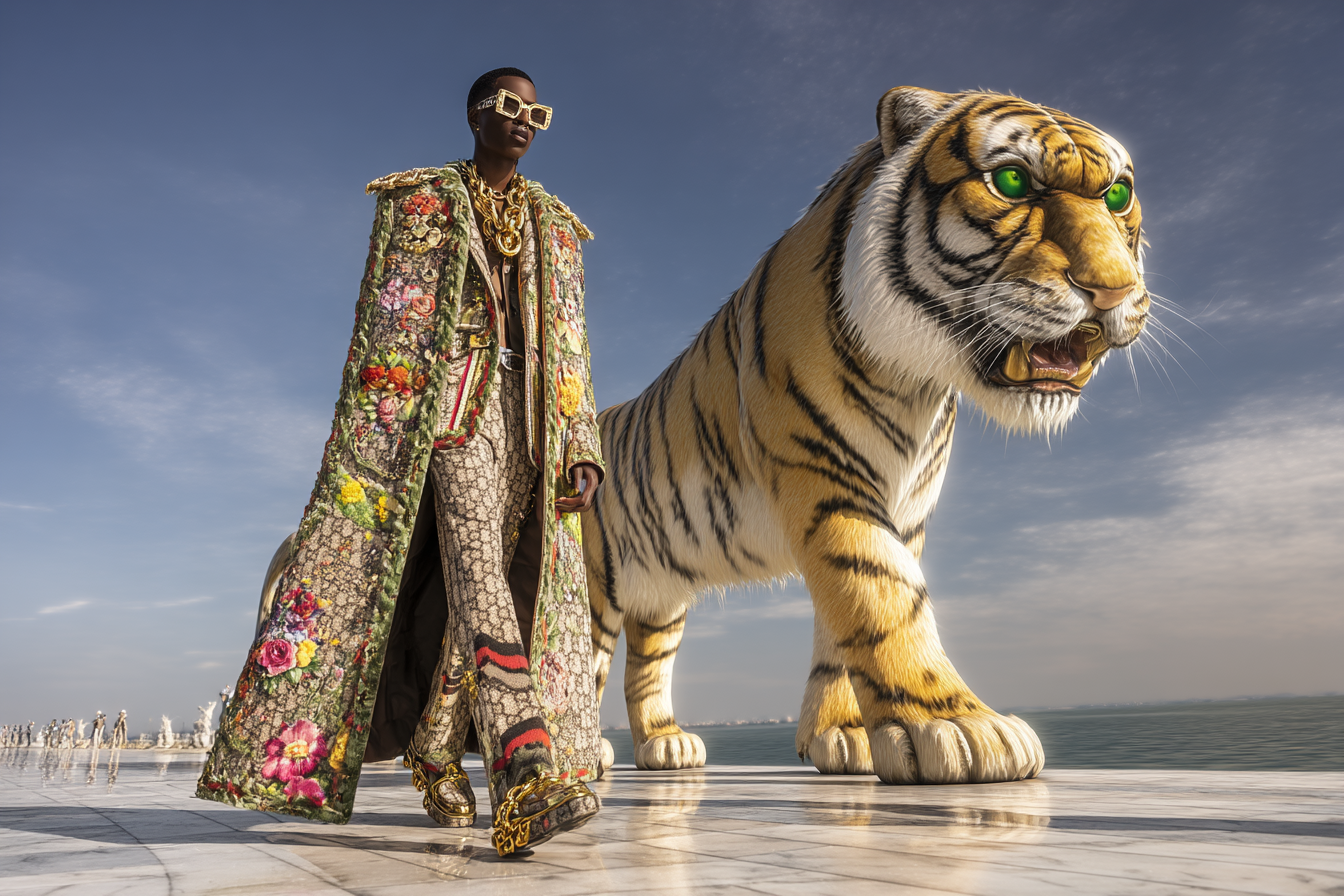
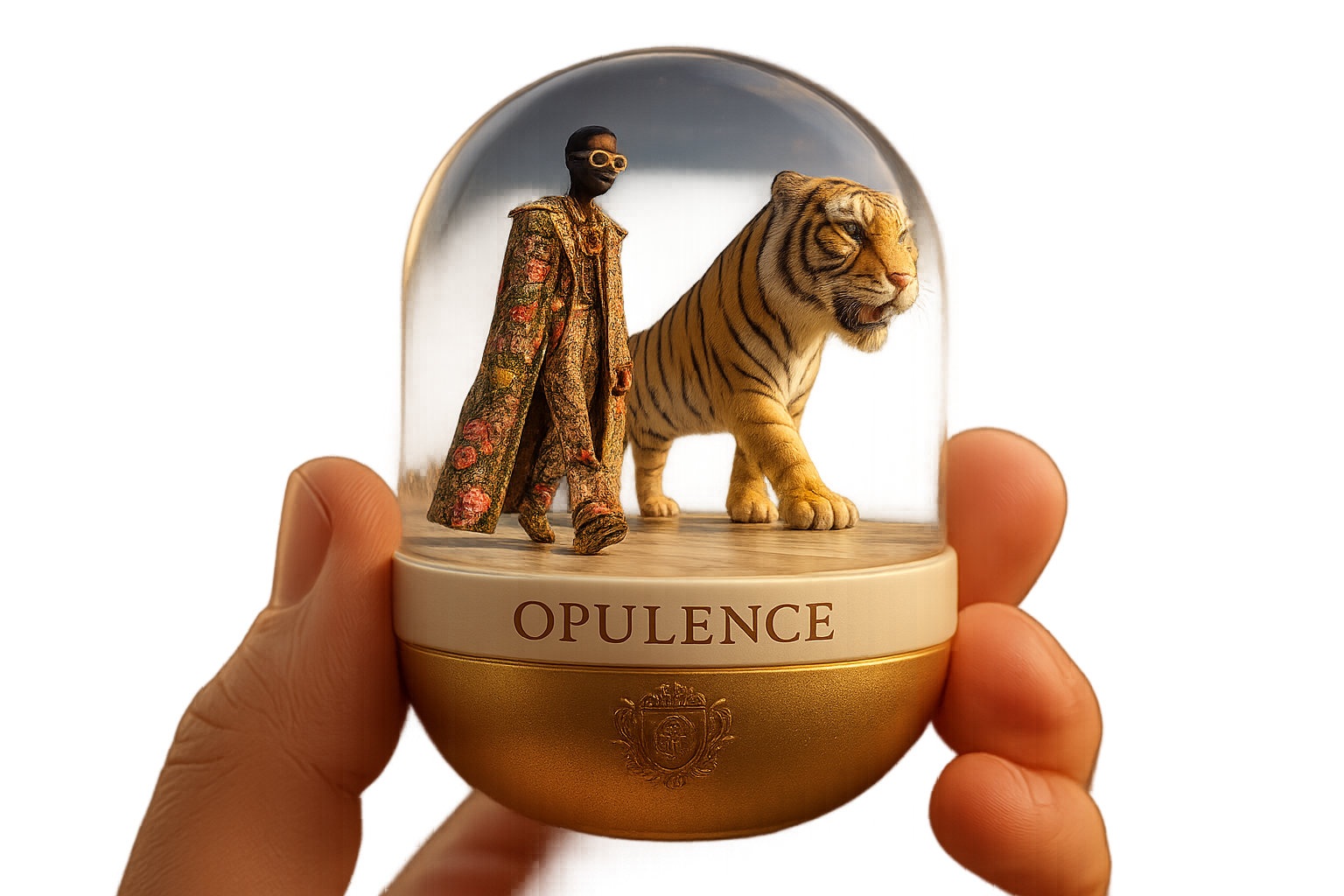
Transform Image into Capsule Portrait Examples
More Examples

What our users say
You May Also Like Our Other Effects
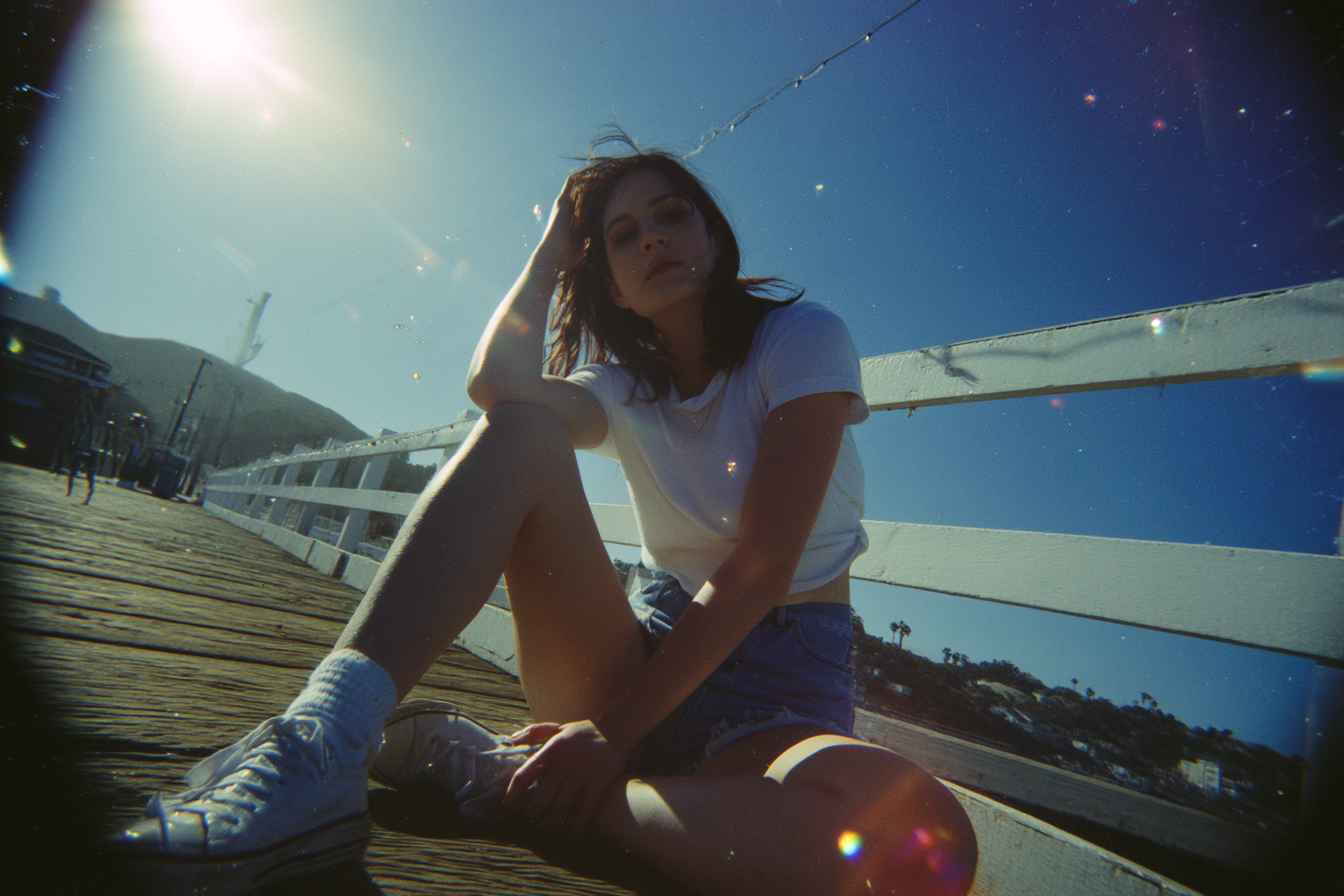
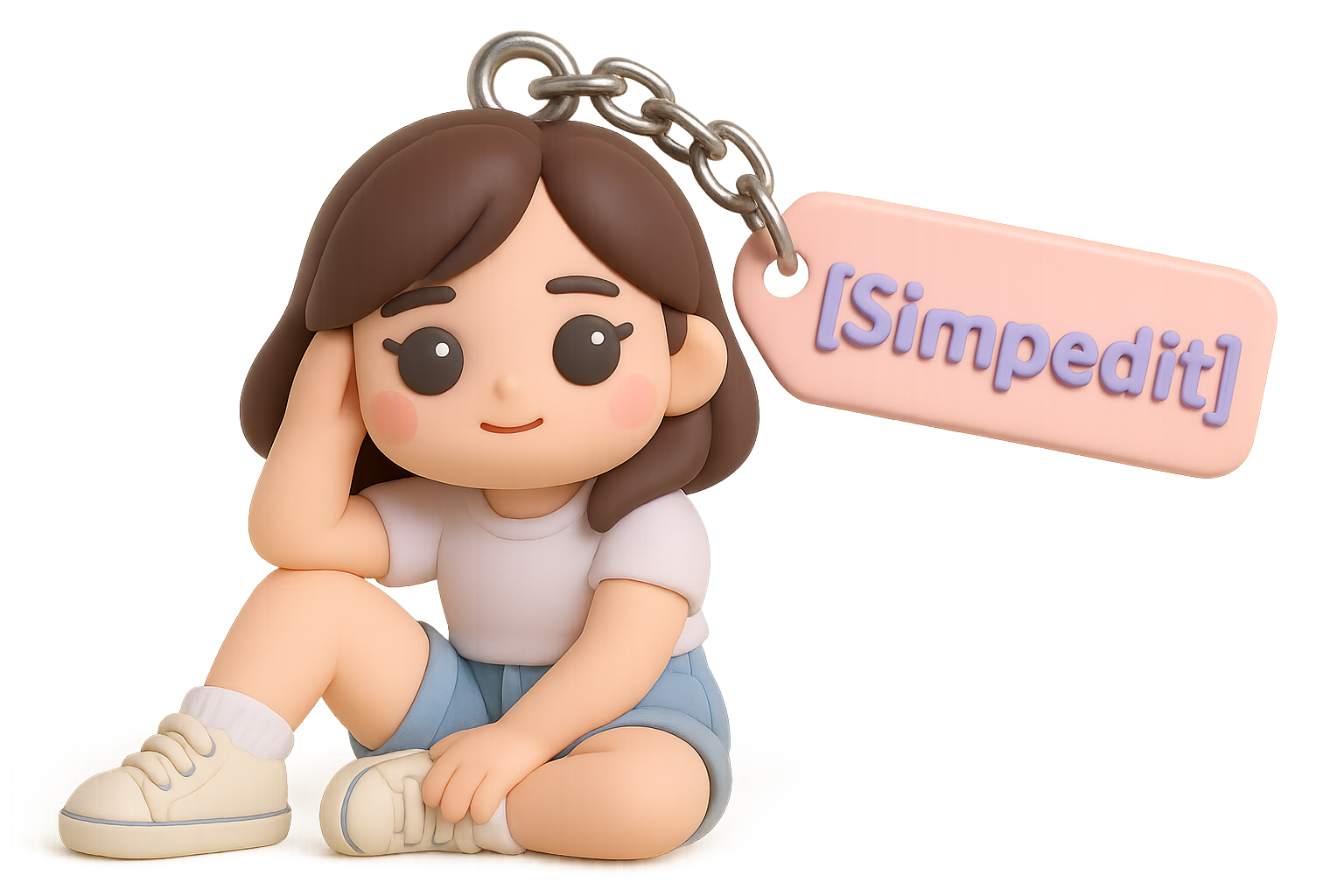
keychain Generator
Transform your image into a keychain
Capsule Portrait Maker
Create a capsule portrait of yourself or your friends
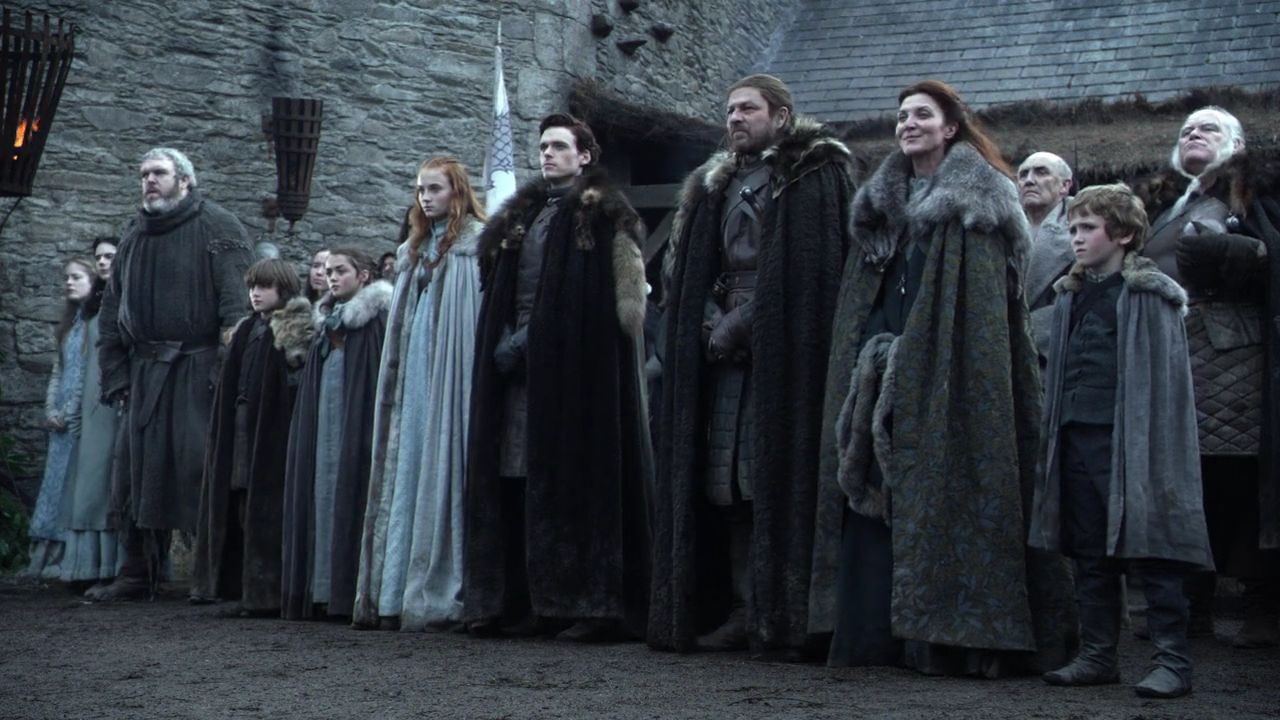
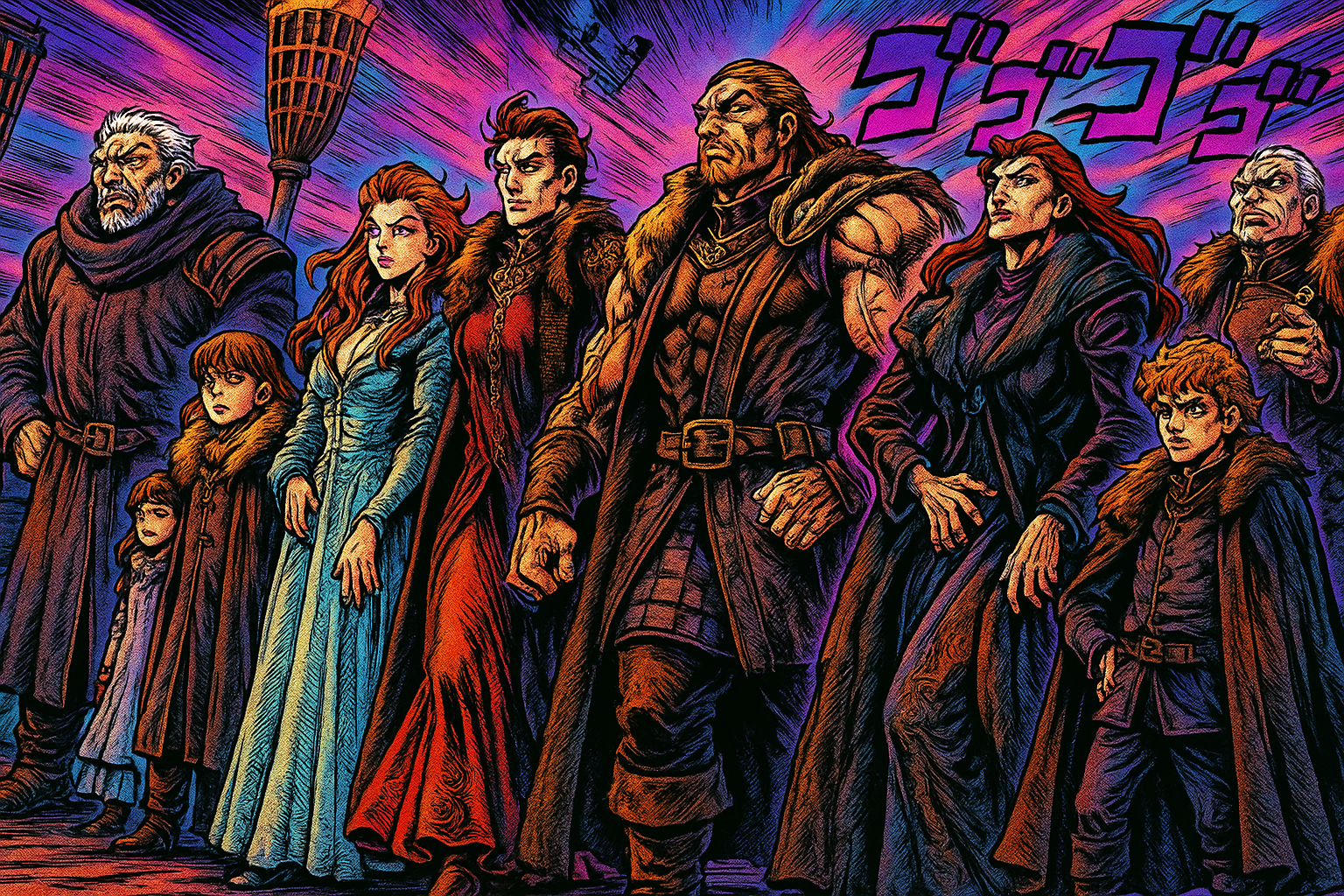
Transform Image Into JoJo’s Bizarre Adventure
featuring bold, dynamic linework, and highly exaggerated facial expressions.
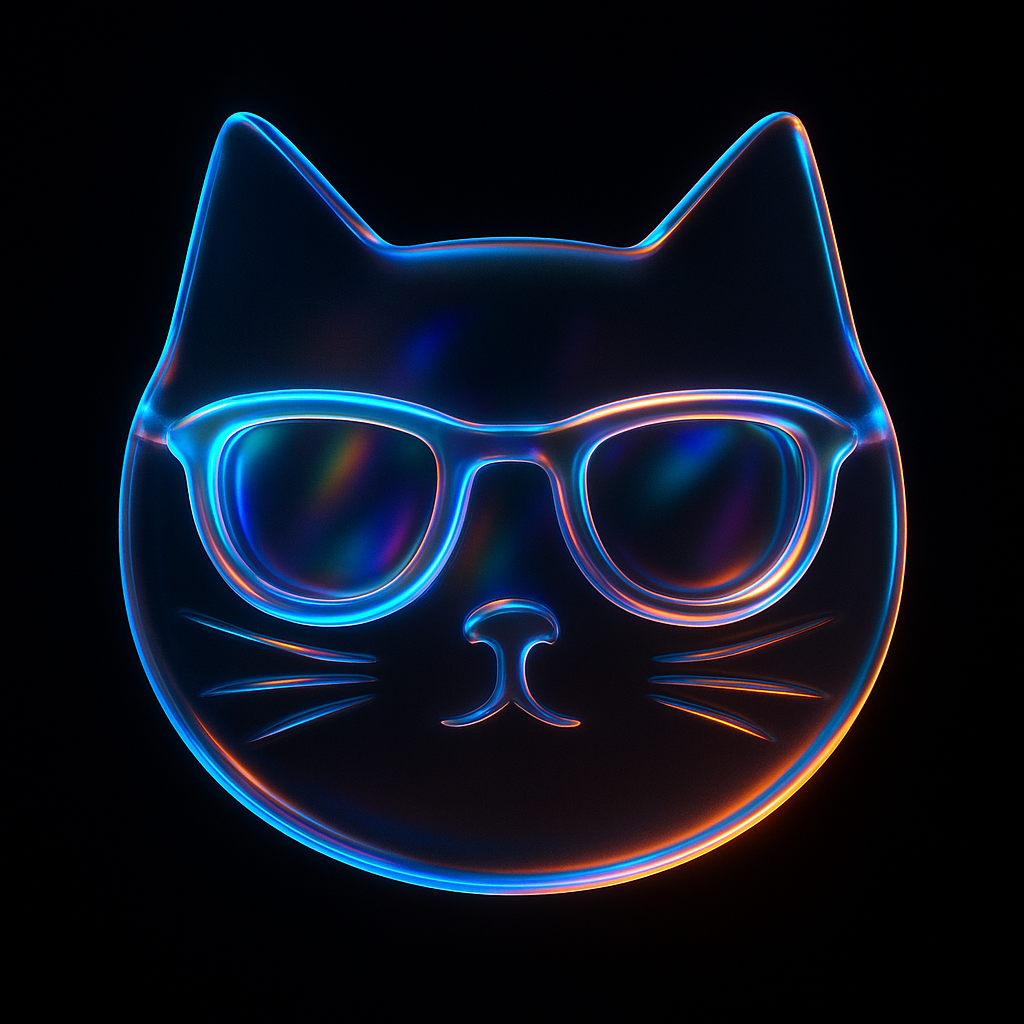
Transform Icon Into 3D Image
Let your product logo or icon more attractive and unique!
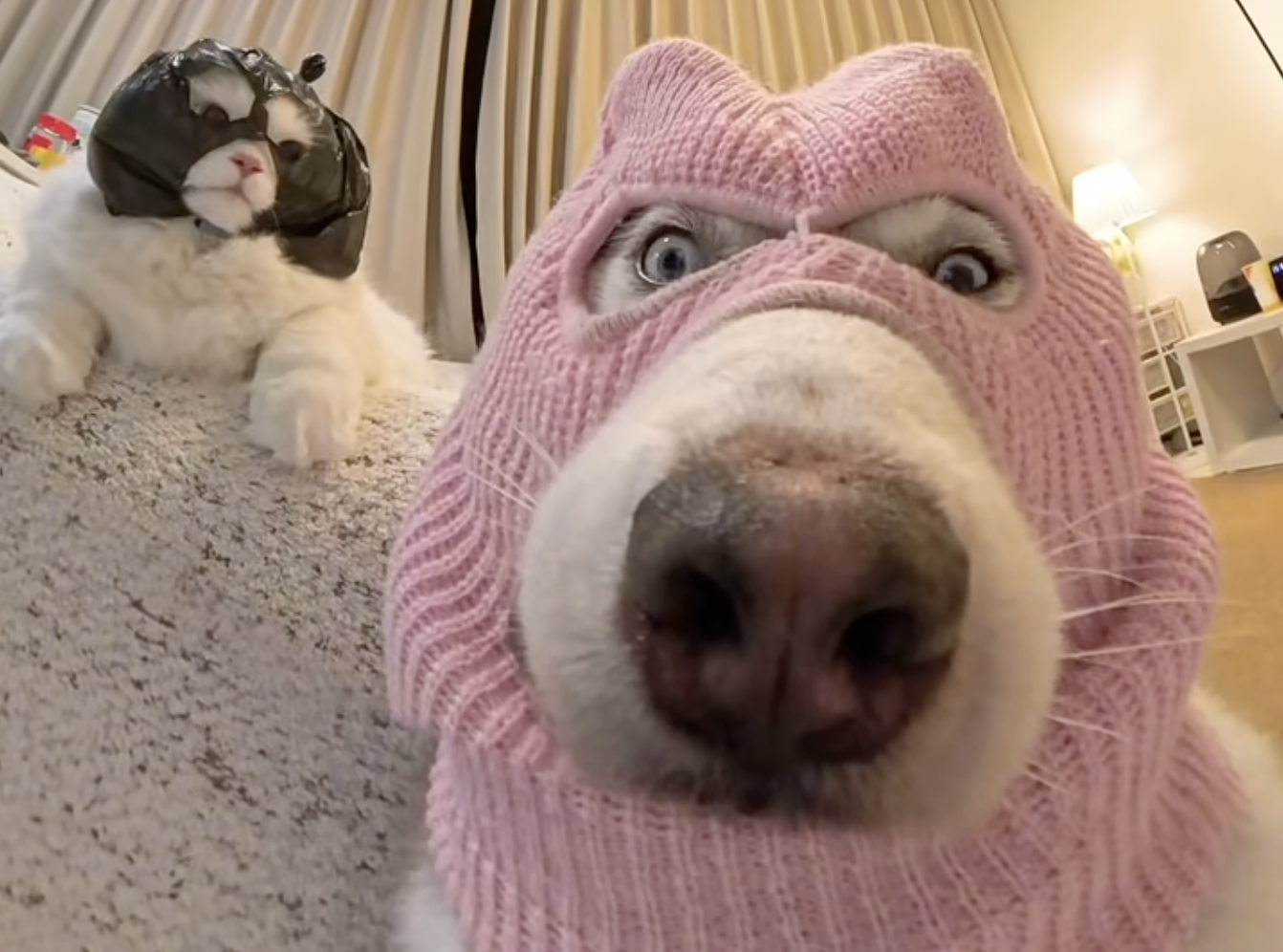
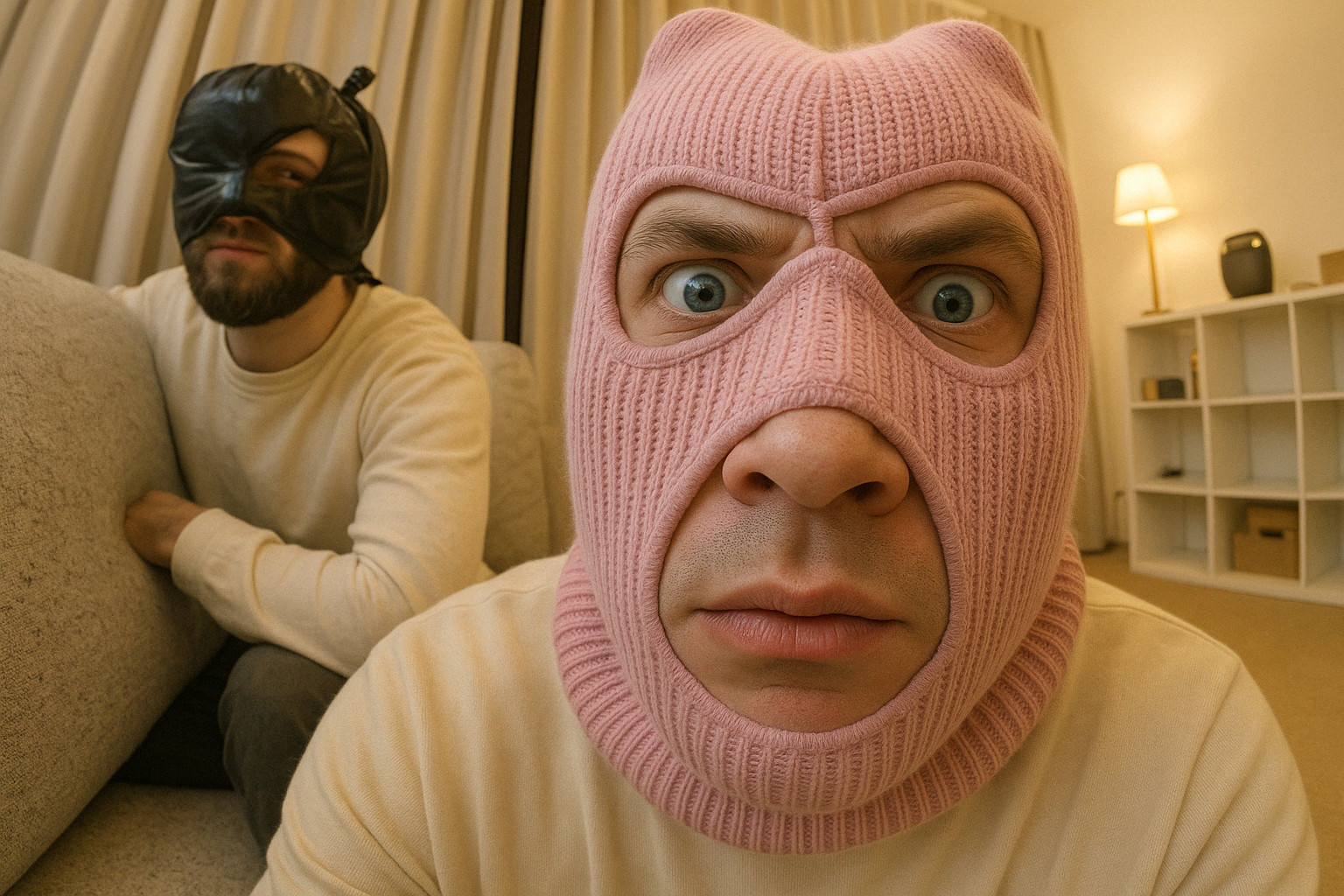
Make Dog or Cat Into A Human
Transform your pet photo into a human character, see what your pet would look like as a human
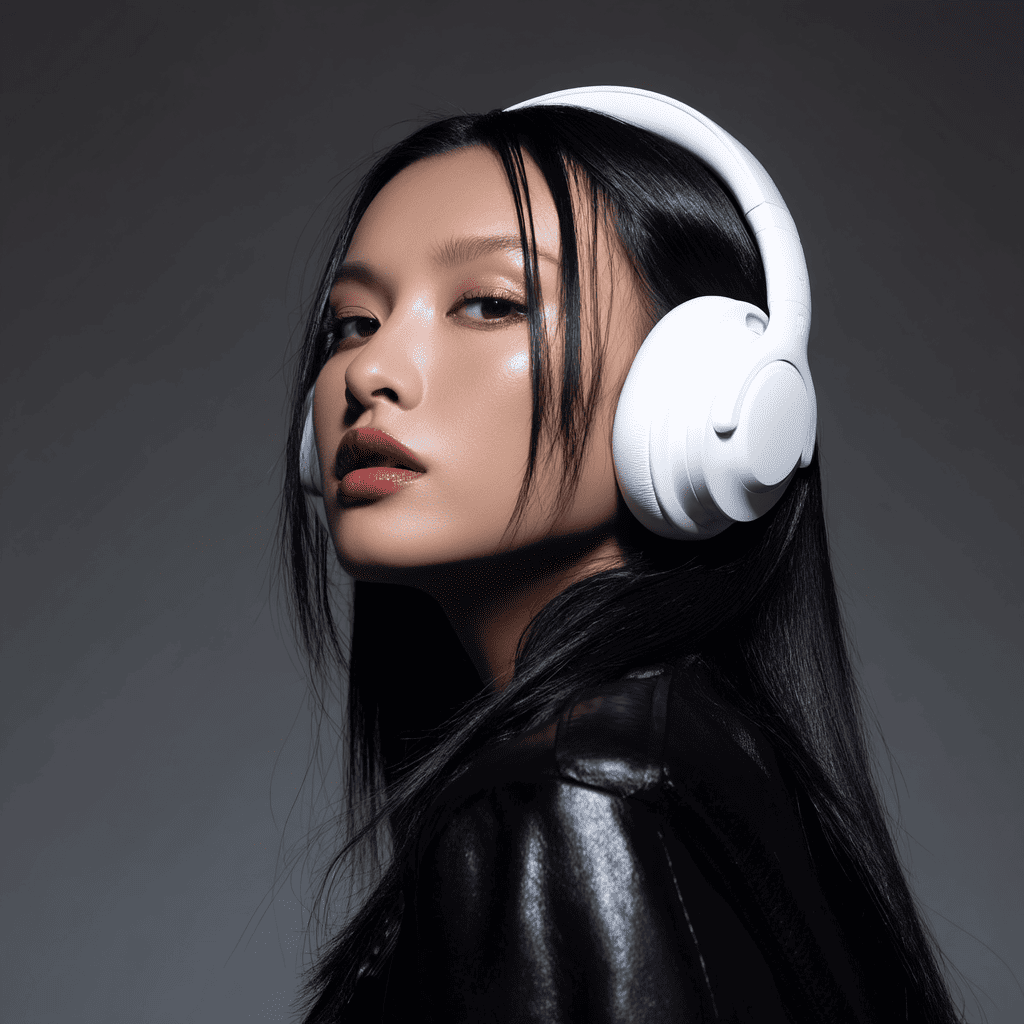
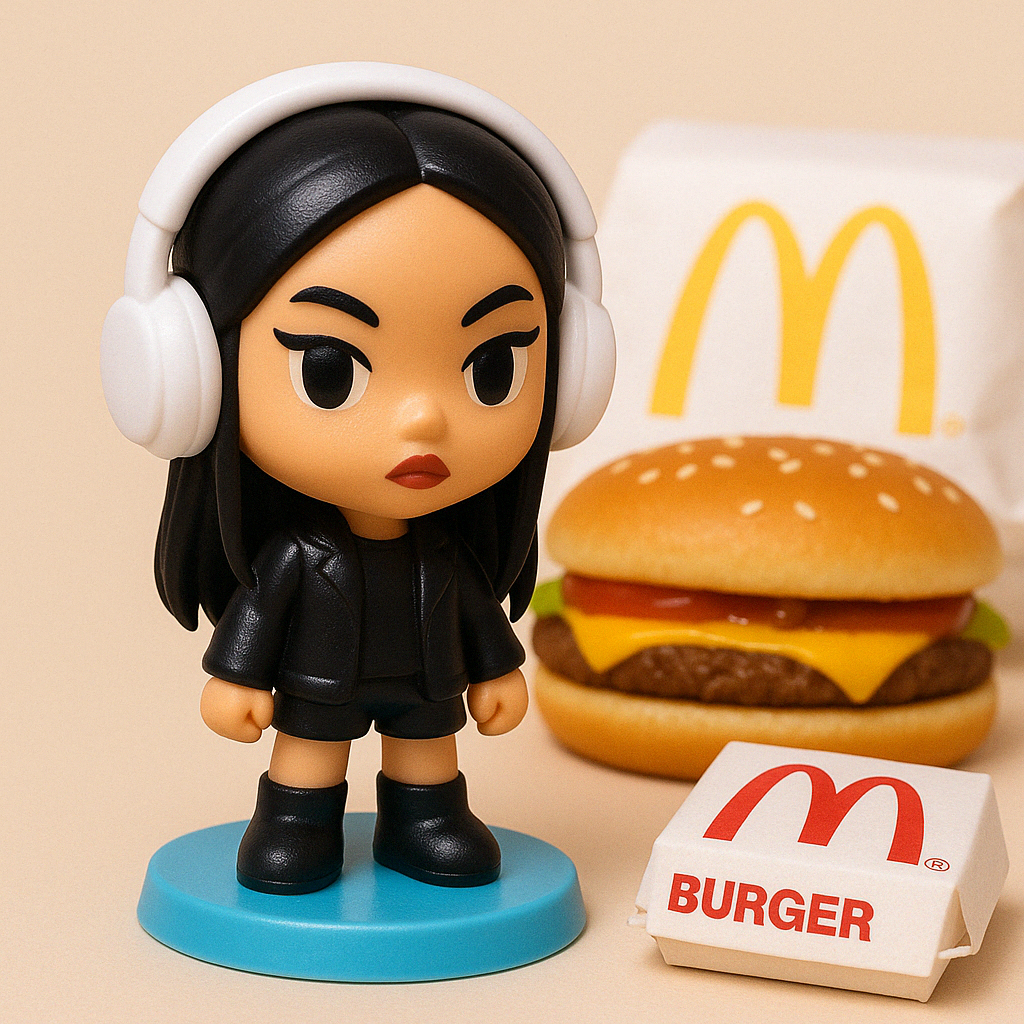
Happy Meal Toy Generator
Transform your image into a McDonald's Happy Meal Toy
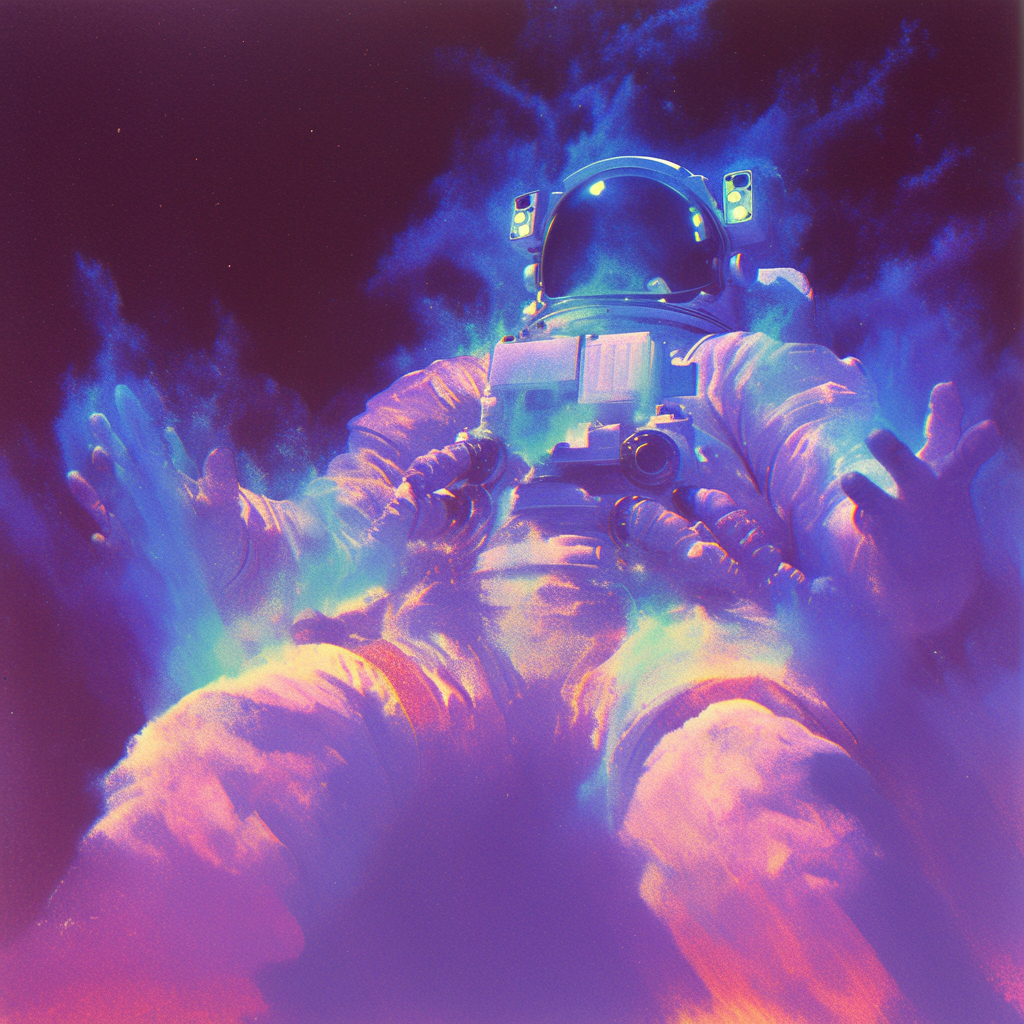
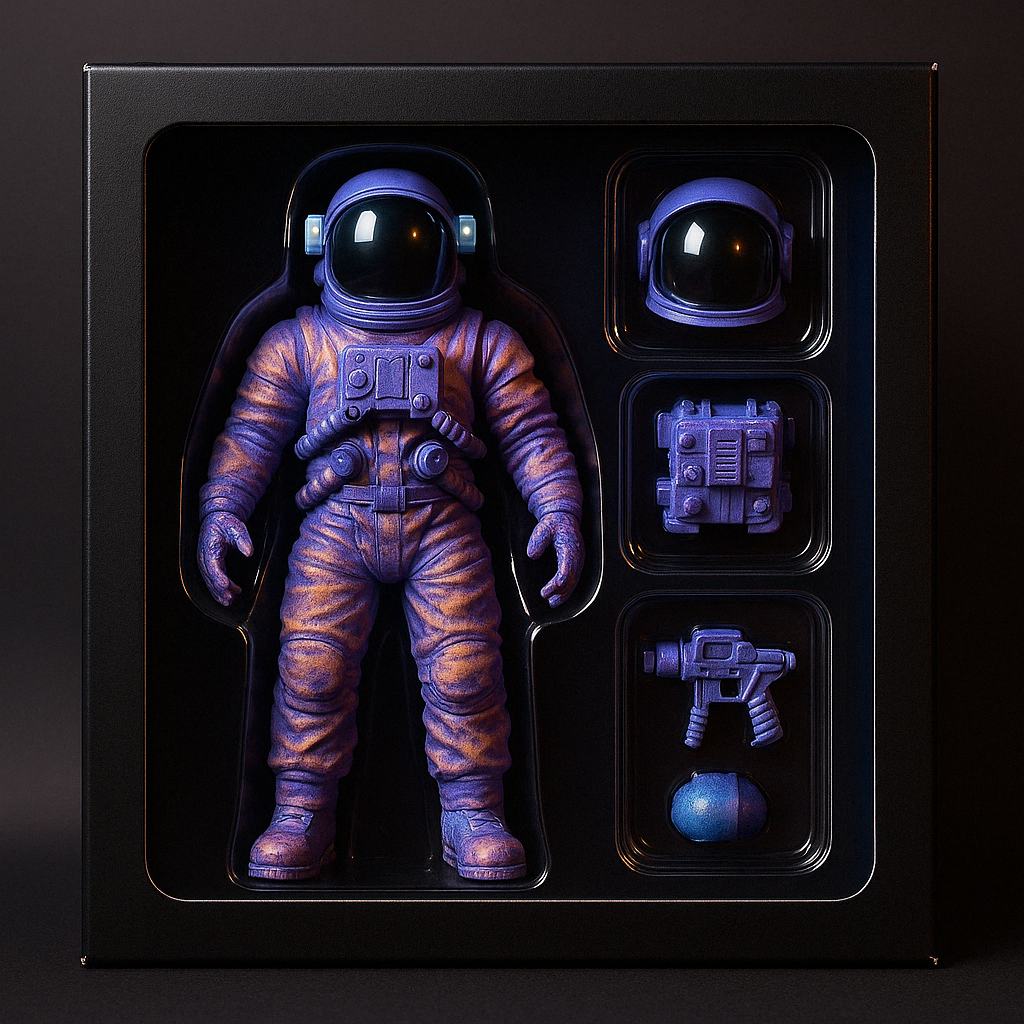
Action Figure Generator
Transform your image into a popular Action Figure style on social media
.gif)
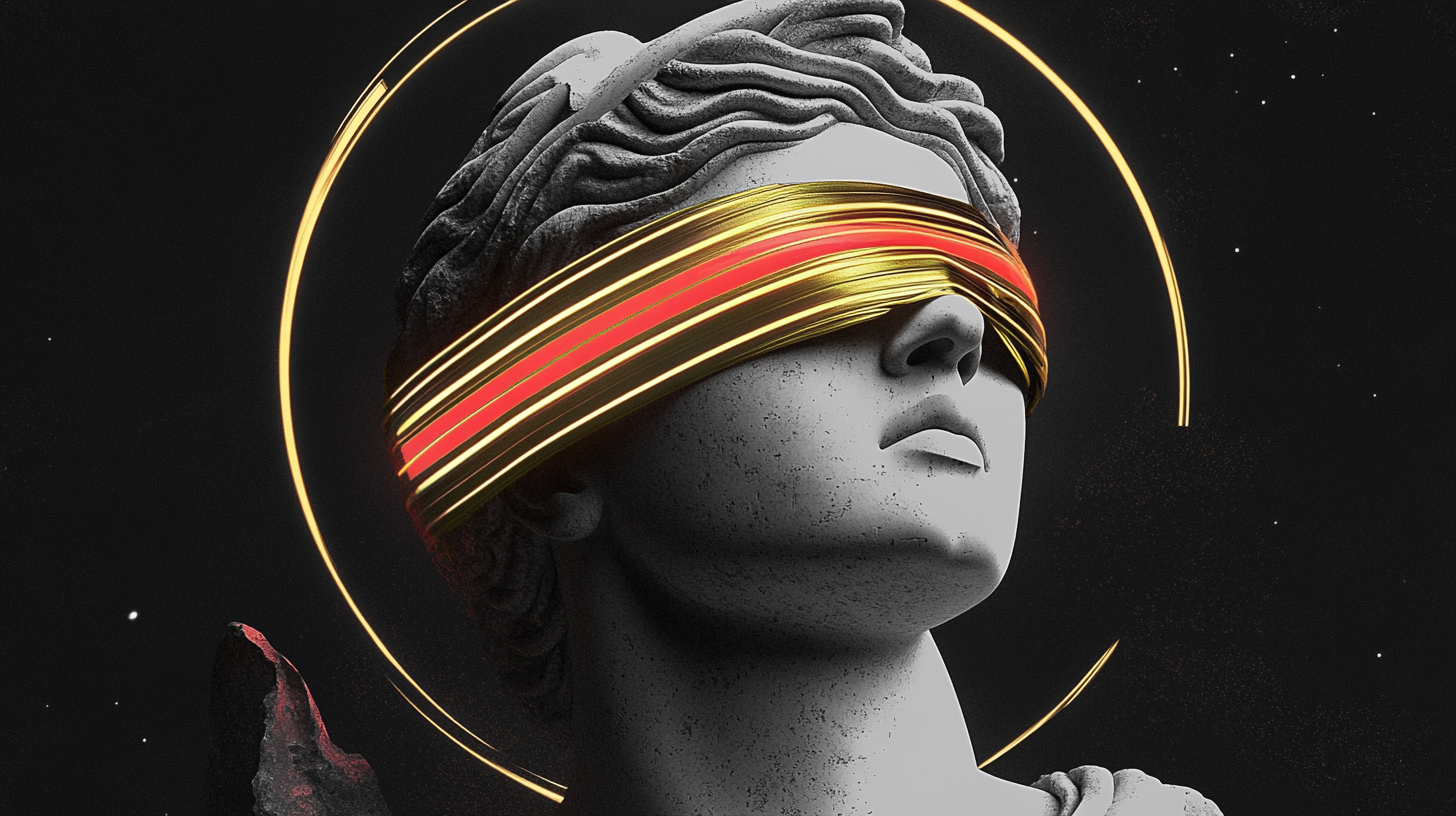
Glitch Art GIF Generator
Transform your image into a Glitch Art GIF
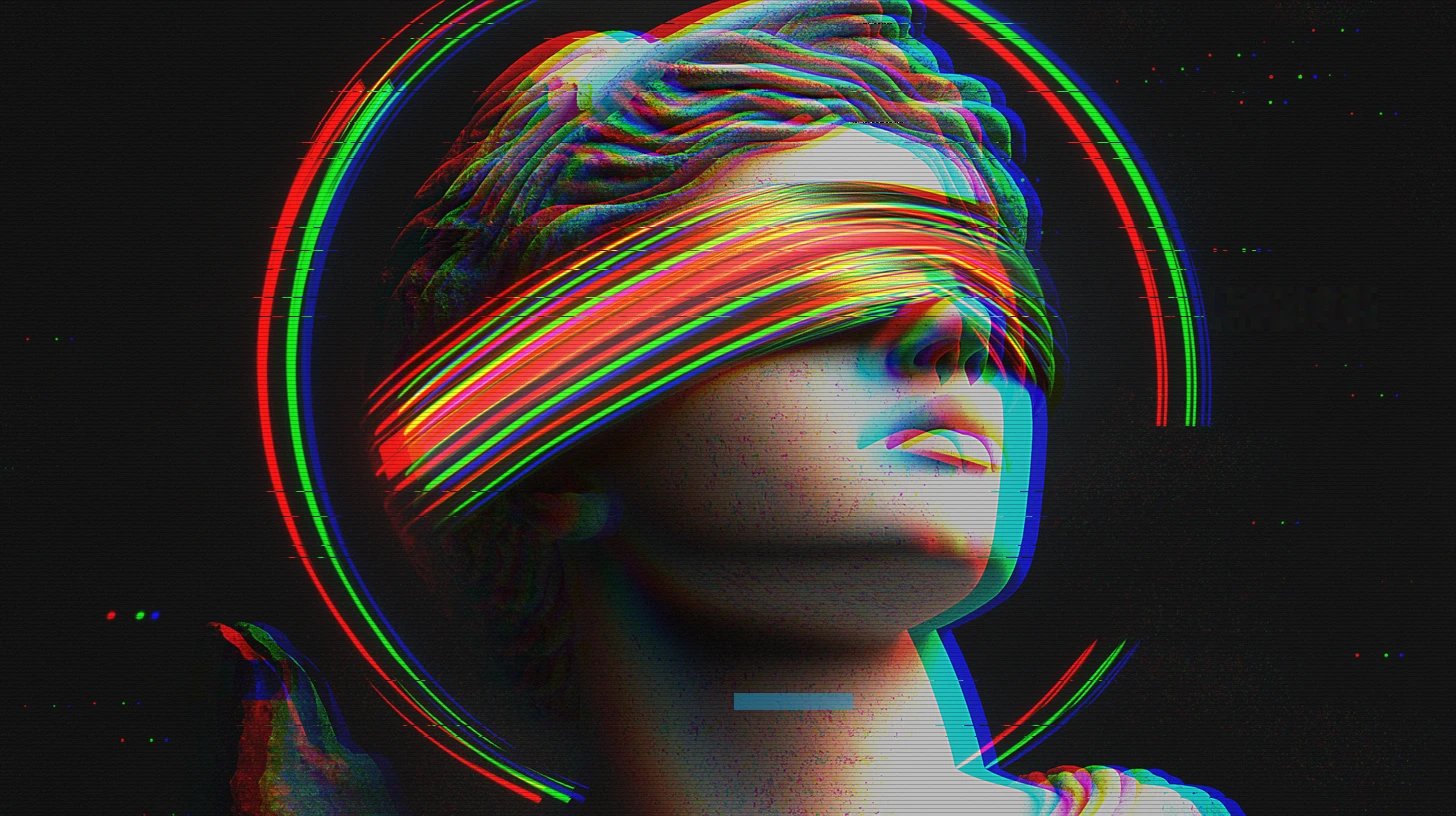
Glitch Art Generator Online
Transform your image into a cyberpunk style images
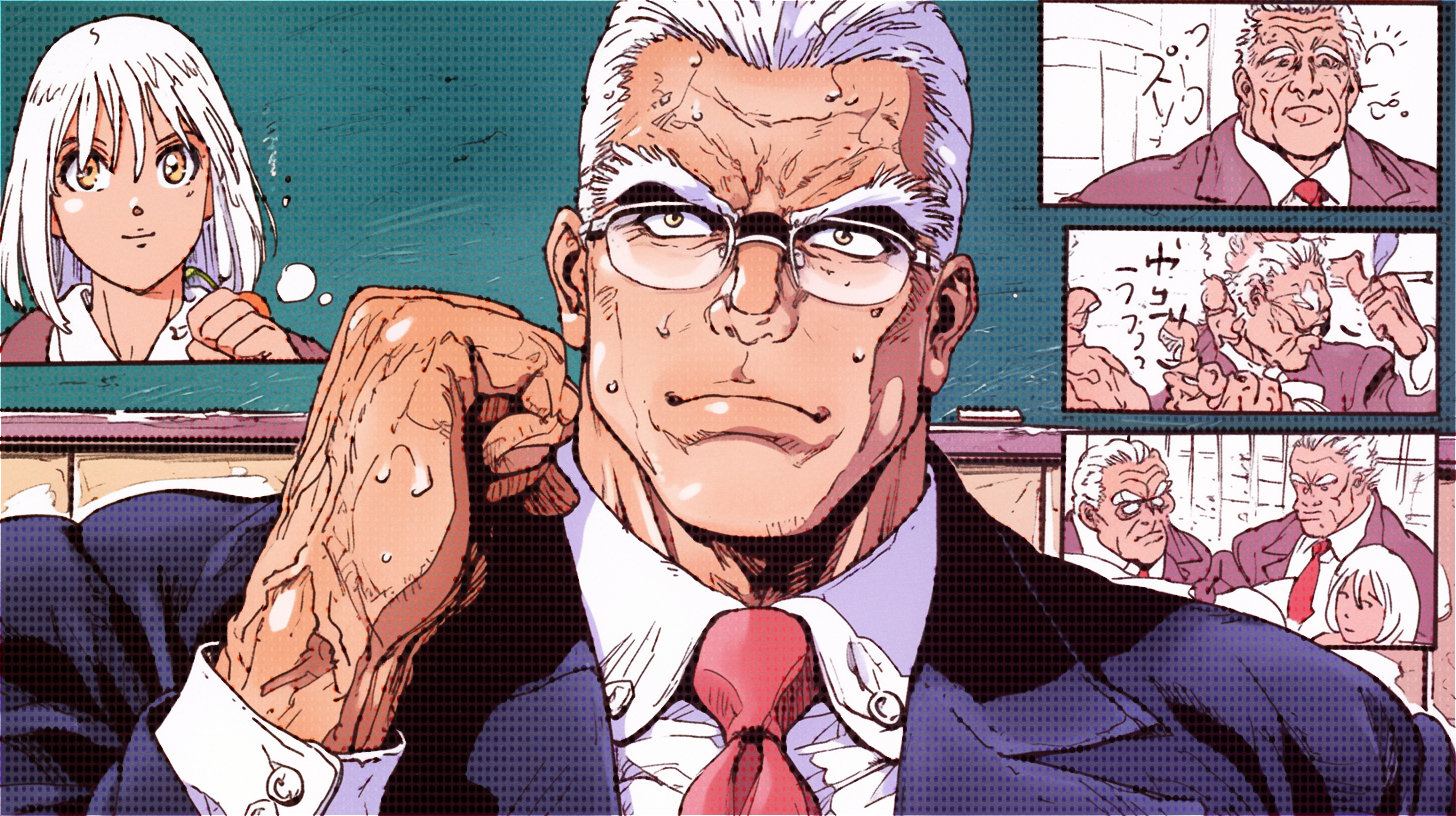
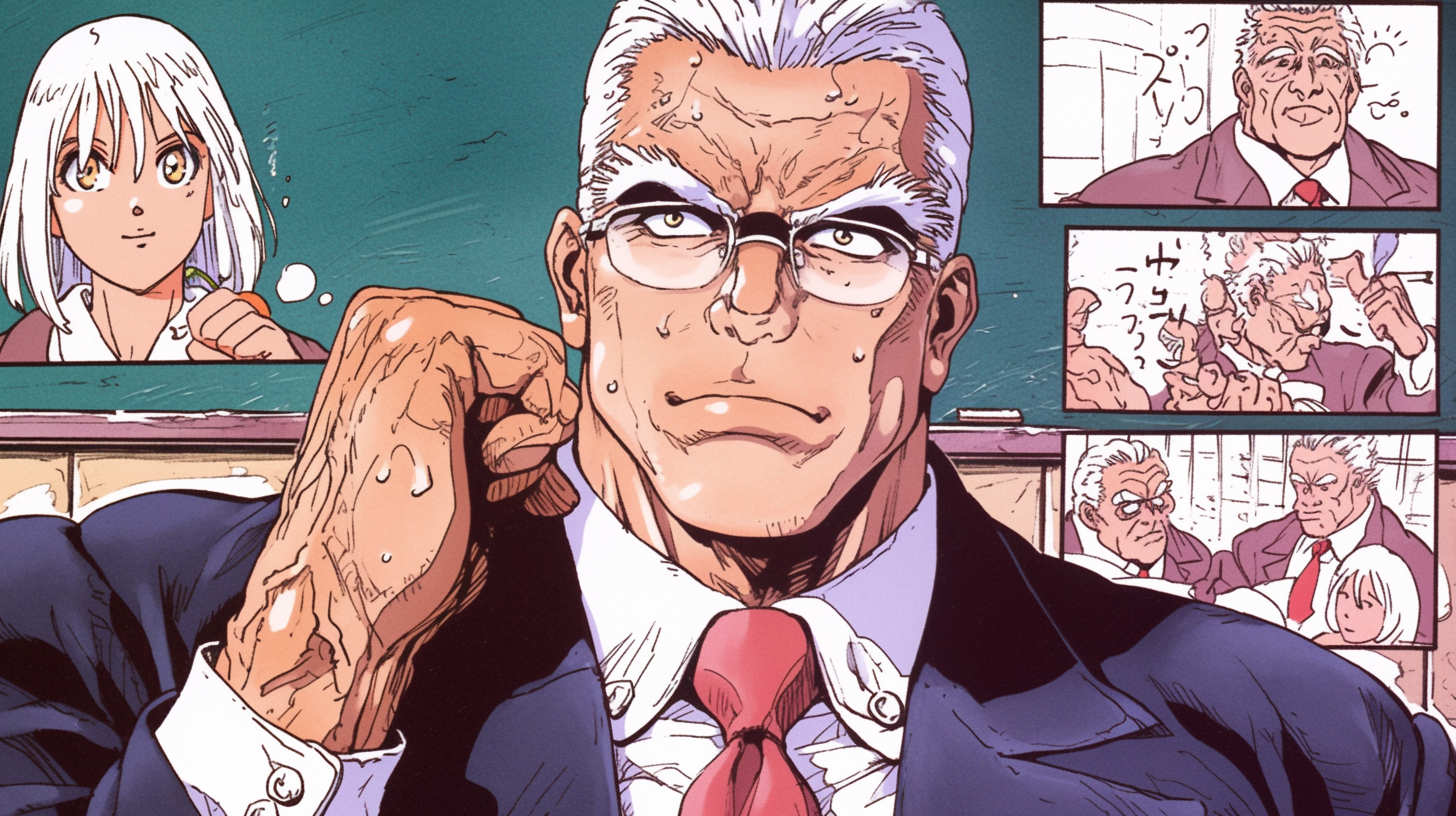
Halftone Effect Generator
Transform your image into a pattern of dots or lines to represent an image
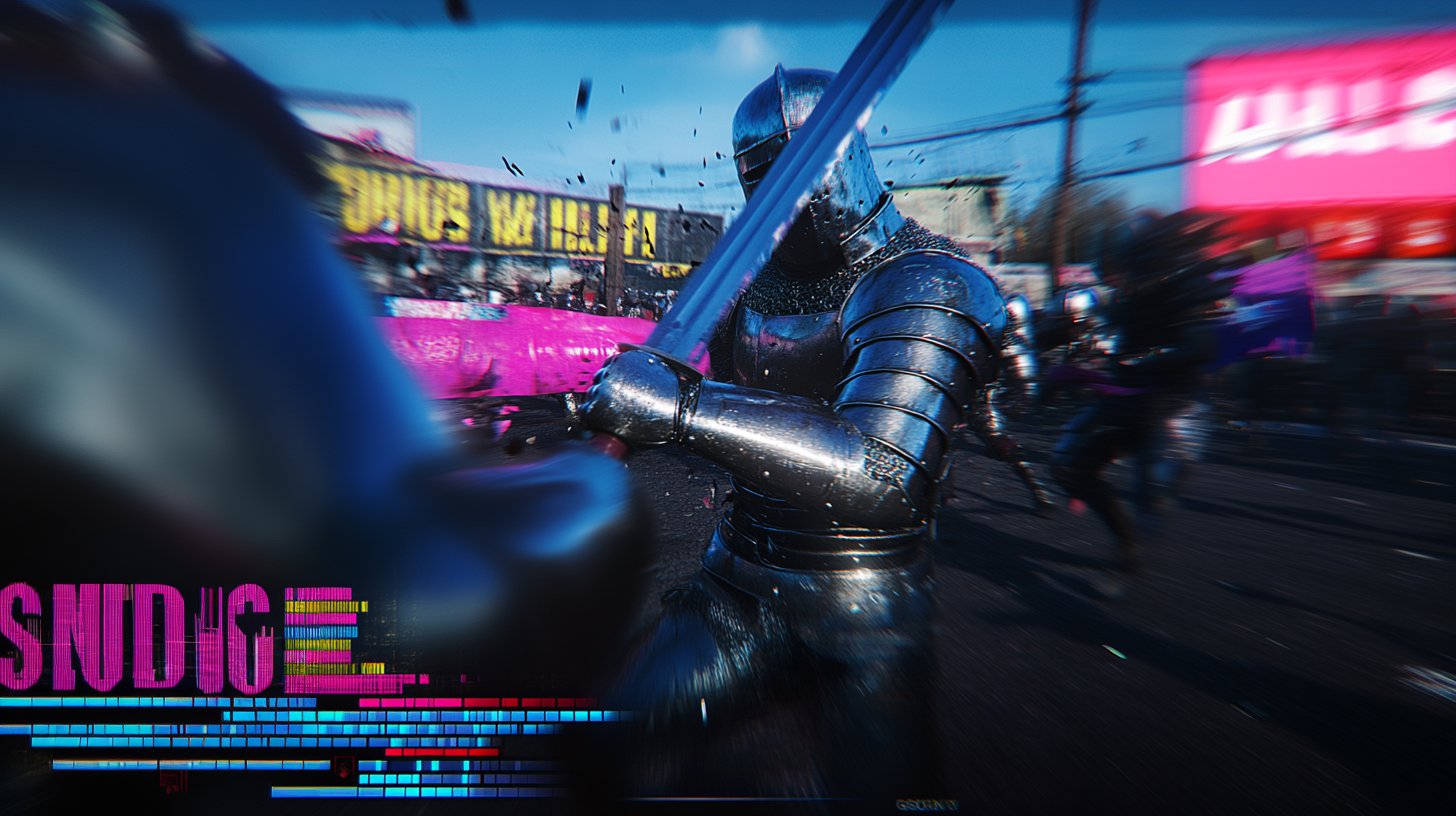
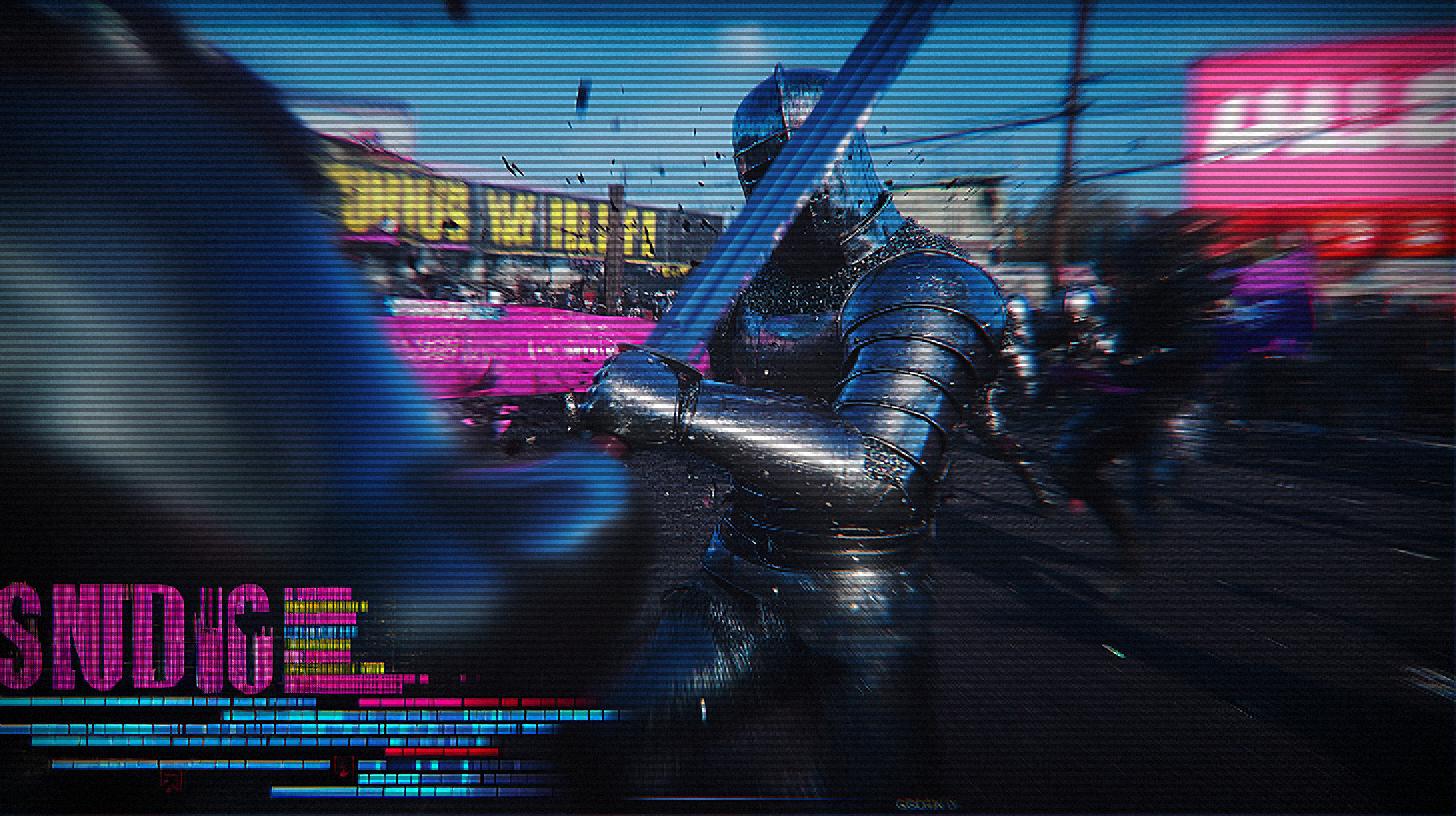
CRT And Pixel Effect Generator
Transform your image into a Mimicking the instability of electronic signals
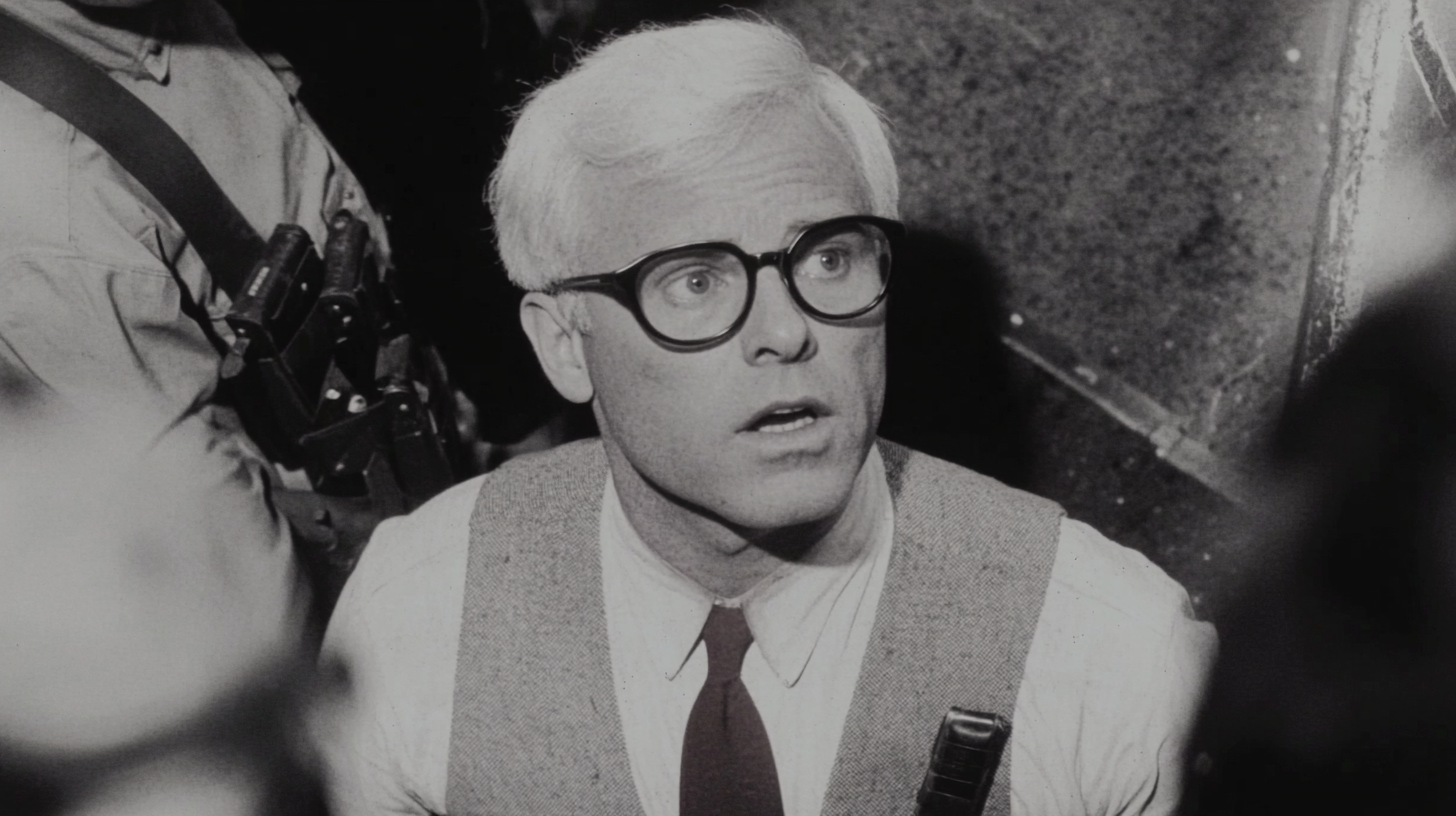
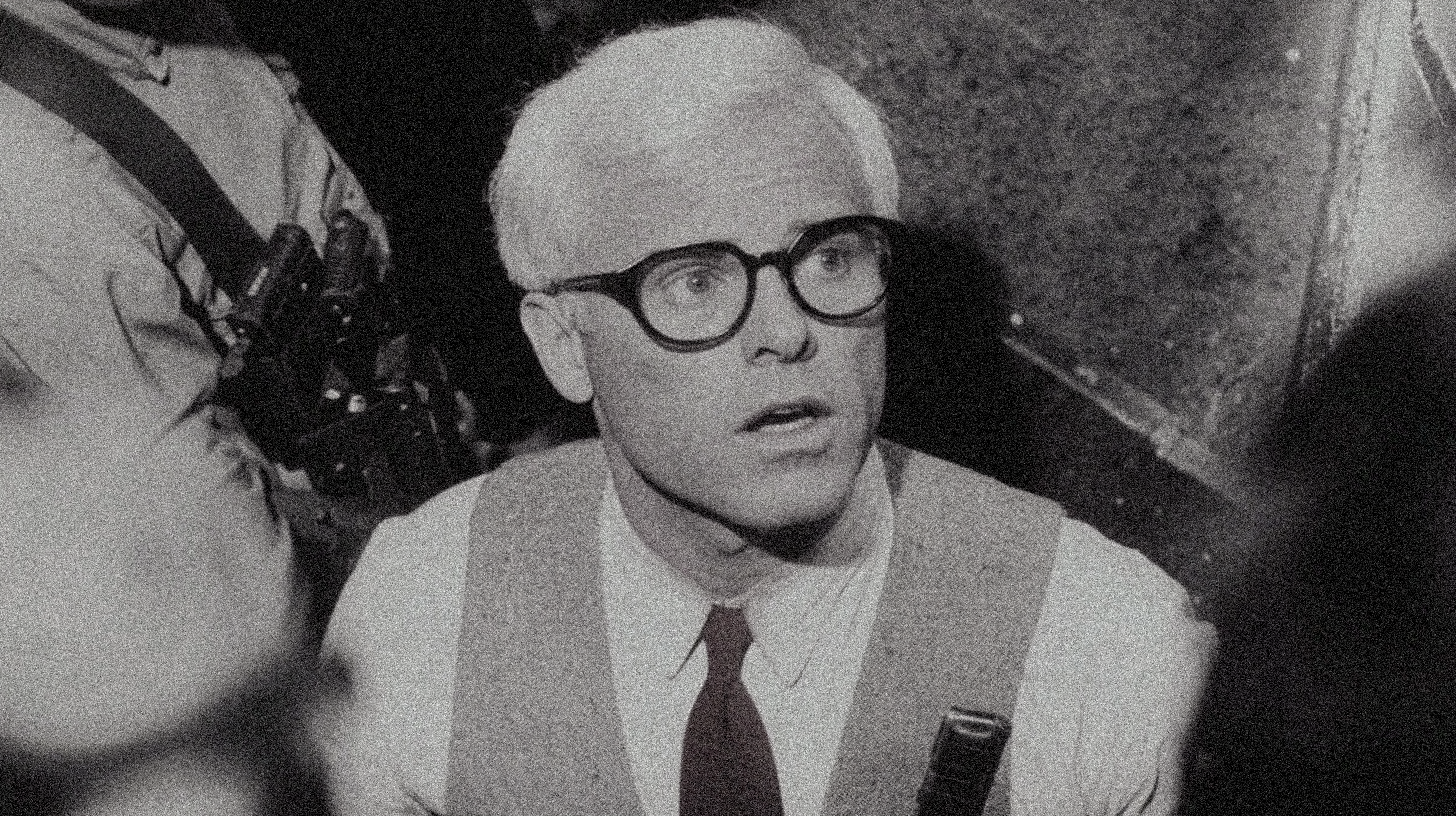
Noise and Film Grain Generator
Transform your image into a film grain and real film
Plans that grow with you
Start with 30 free credits. Upgrade when you need more.
Lite
- Unlock all models
- Unlock all formats
- Private generation
- 2 parallel tasks
- No watermark
- Unused credits roll over 1 month
Pro
- Everything in Lite
- Cheaper per credit than Lite
- 4 parallel tasks
- Priority queue
- Commercial license
- +10% on top-up packs
Max
- Everything in Pro
- Lowest price per credit
- 6 parallel tasks
- Priority queue
- Commercial license
- +10% on top-up packs
Not ready to subscribe? Try 500 credits for $4.99.
Unlocks Seedance 2.0 up to 720p and private generation. One per account, credits never expire.
Need credits without a plan? One-time packs
Credits never expire. Subscribe to Pro or Max and every pack comes with +10% bonus credits.
Frequently Asked Questions
What is the "Transform Image into Capsule Portrait" tool?
This is an AI-powered creative tool that transforms ordinary photos into stylish capsule portraits using GPT-4o technology. The tool creates charming, minimalist capsule-shaped character portraits with unique artistic elements. Whether it's selfies, profile pictures, or any personal photos, they can all be transformed into eye-catching capsule portraits that are perfect for social media profiles, avatars, or digital collectibles.
How do I use this tool?
Using it is very simple:
1) Upload a clear photo of the person you want to transform;
2) Choose your preferred style and color options;
3) Click the generate button;
4) Wait for 1-2 minutes while GPT-4o creates a unique capsule portrait for you.
You can also add custom background colors or special elements to personalize your portrait further.
Is this service free?
Basic features are free within the daily usage limit. Each capsule portrait transformation costs 1 credit, and we offer various membership packages to meet different user needs. New users receive free credits upon registration to experience our premium quality transformations. Please check the pricing page for details on our subscription options.
Can I use the generated capsule portraits commercially?
The generated capsule portraits are for personal use only. If you wish to use the portraits for commercial purposes, please ensure you own the copyright to the original images and comply with relevant laws and regulations. For commercial licensing options, please contact our support team for special arrangements. We recommend reading our terms of use carefully before using the generated portraits.