
Image to Video AI
Turn any photo into a video: upload it, describe the motion, watch it move.
Engine
Image inputoptional · none = text to video
Prompt0/4000
Viral templates, ready to remix
Trending formats we've tested ourselves. Swap in your photos and get your version – no prompt writing.
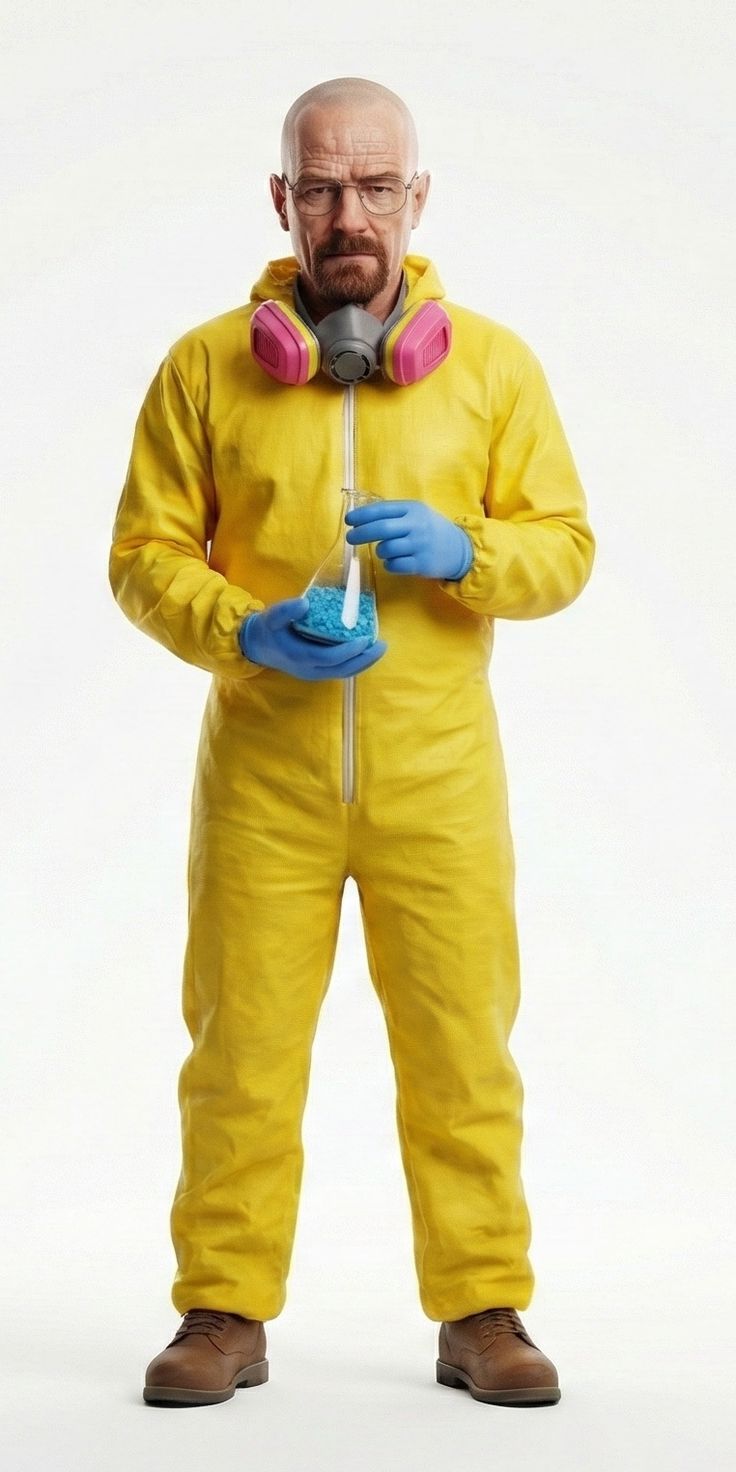 →
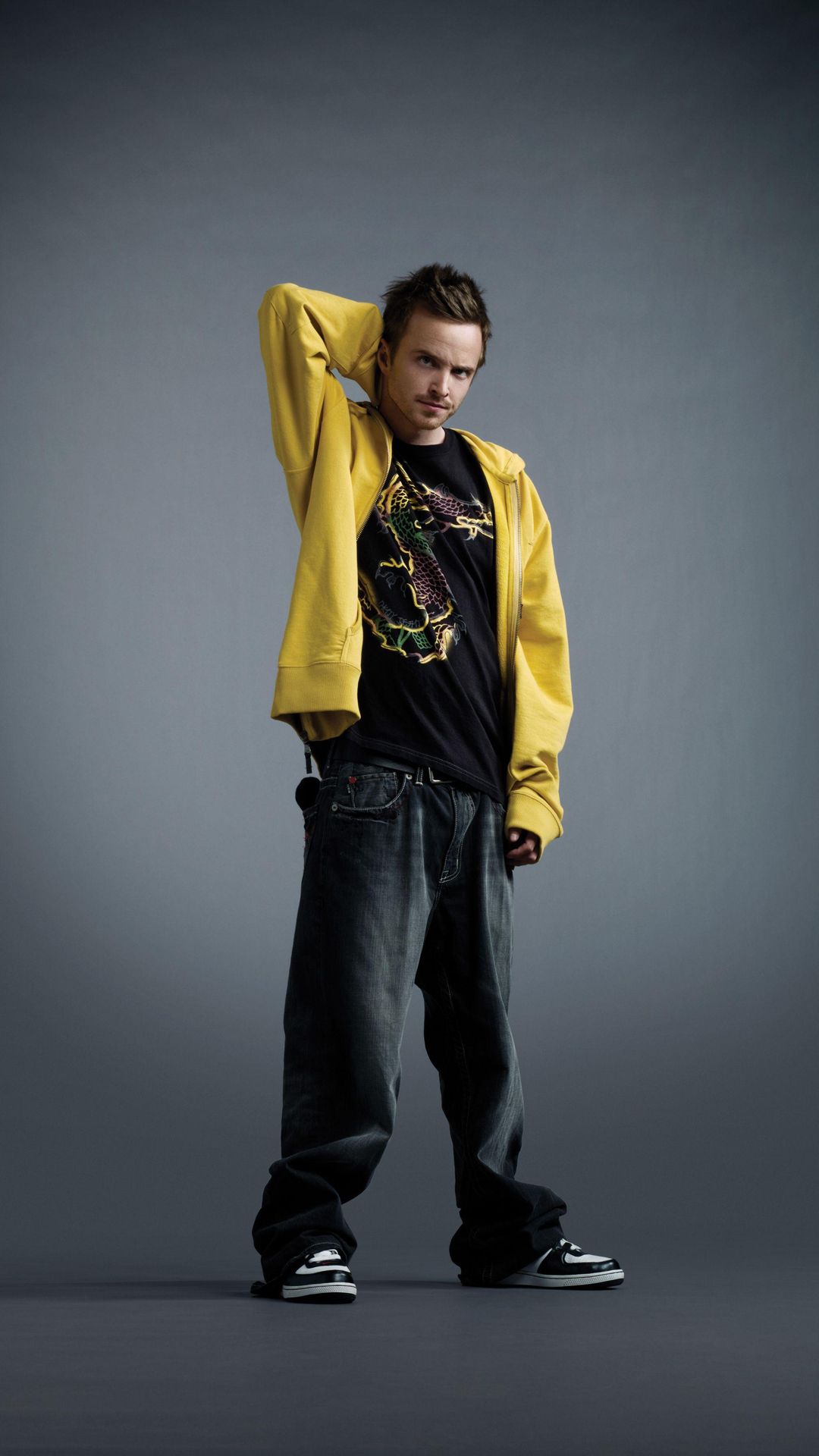
→#1 Alors on Danse studio duo
Two photos: one of you on the keyboard, the other hyping the beat in the white studio.
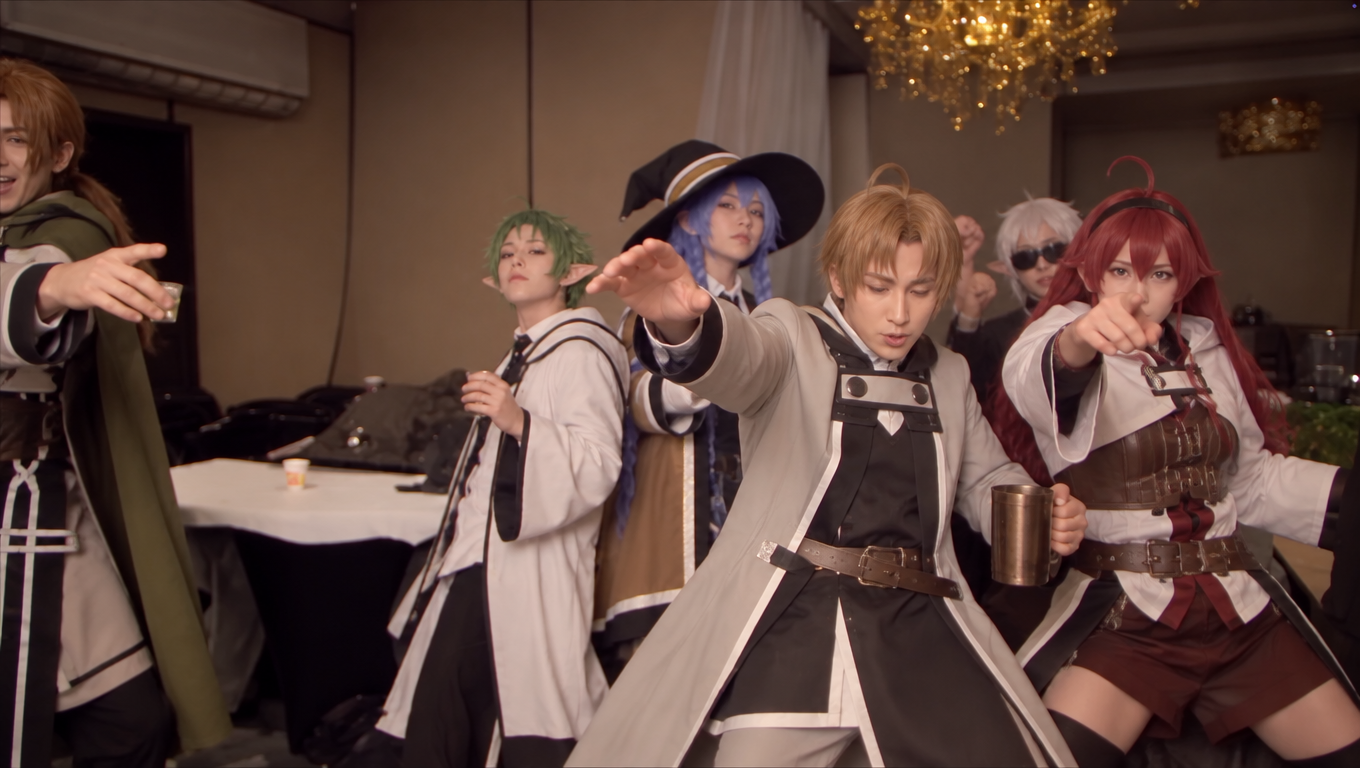 →
→#2 Anime cosplay party dance
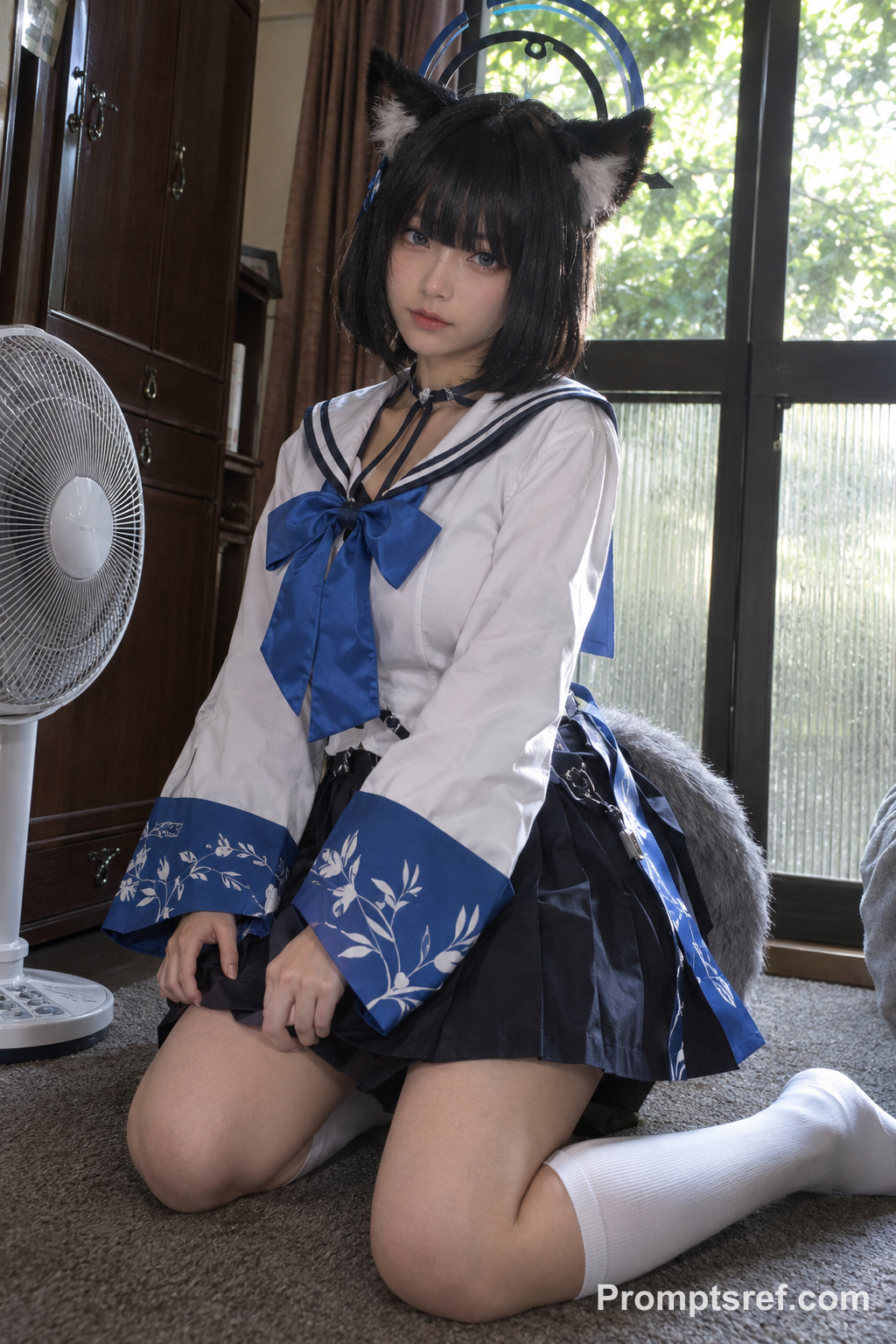
One group photo: your crew takes over the cosplay party dance, moves and music synced 1:1.
 →
→#3 APT. duet remake
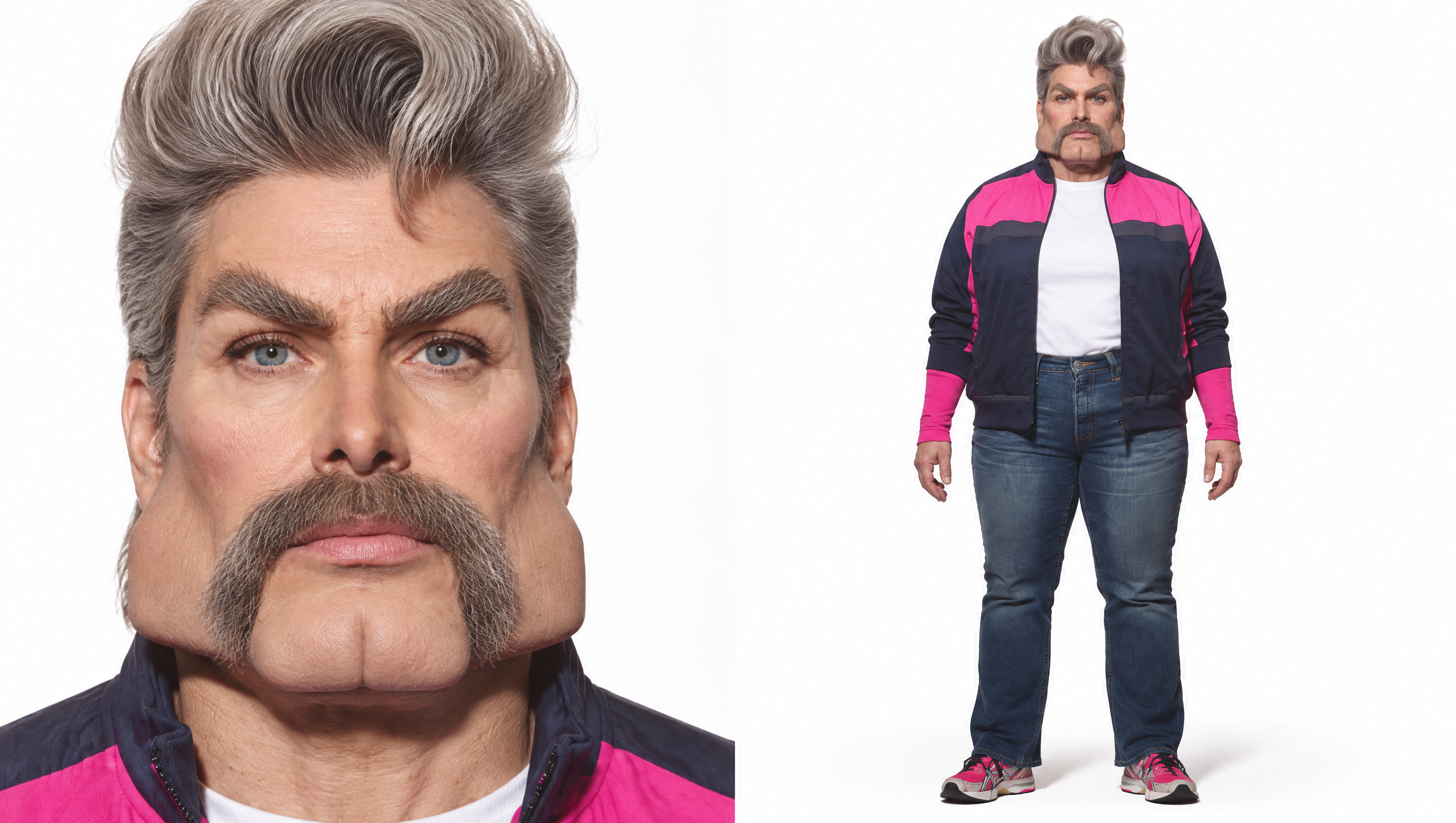
Swap you and a friend into the pink-stage APT. performance from two photos.
 →
→#4 STORM II Crowd Dance
Stand at the center of a synchronized crowd with one photo.
 →
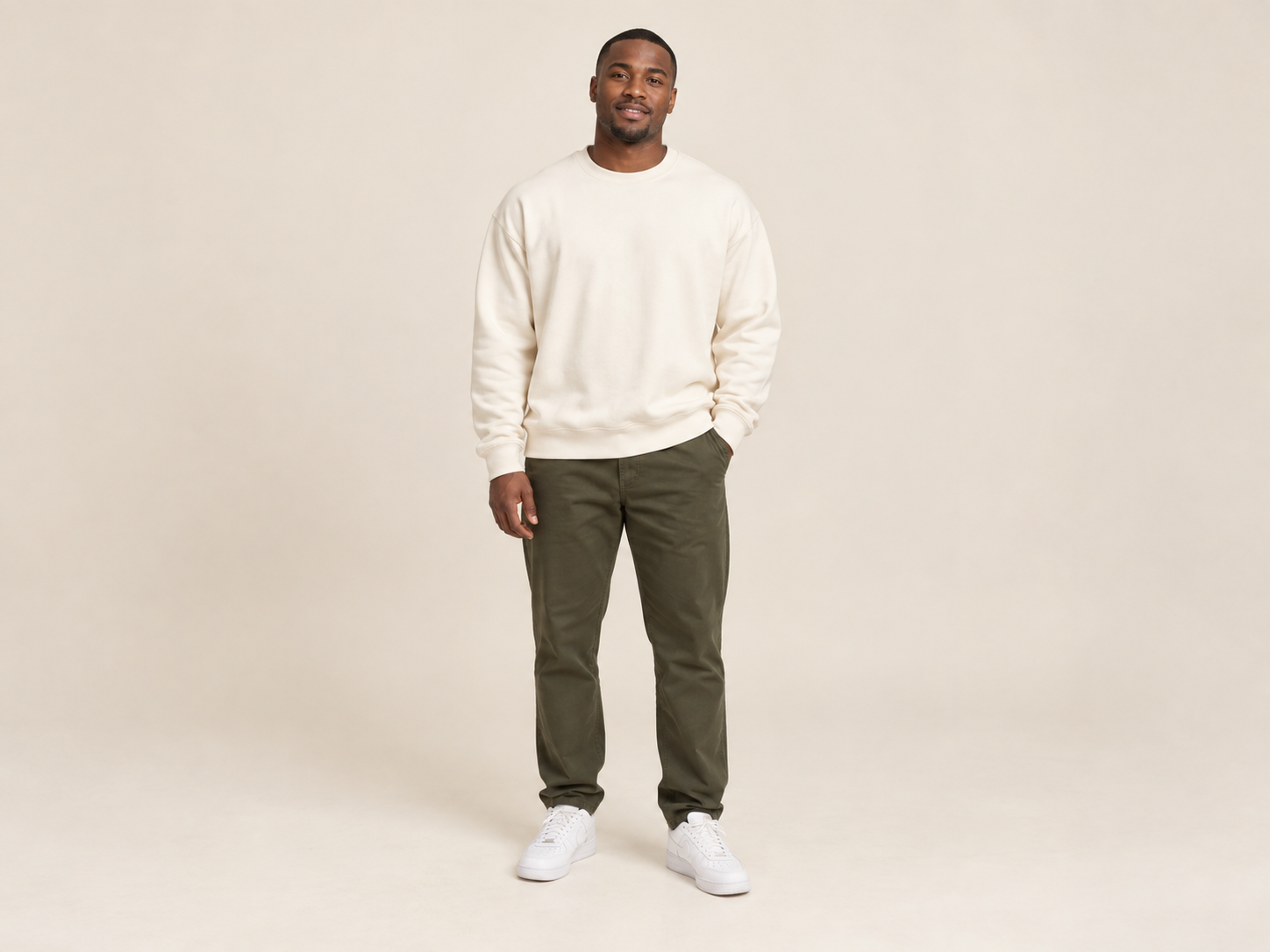
→#5 Deadpan stare
You lock eyes with the camera while it orbits the room — dead still, zero expression.
 New
New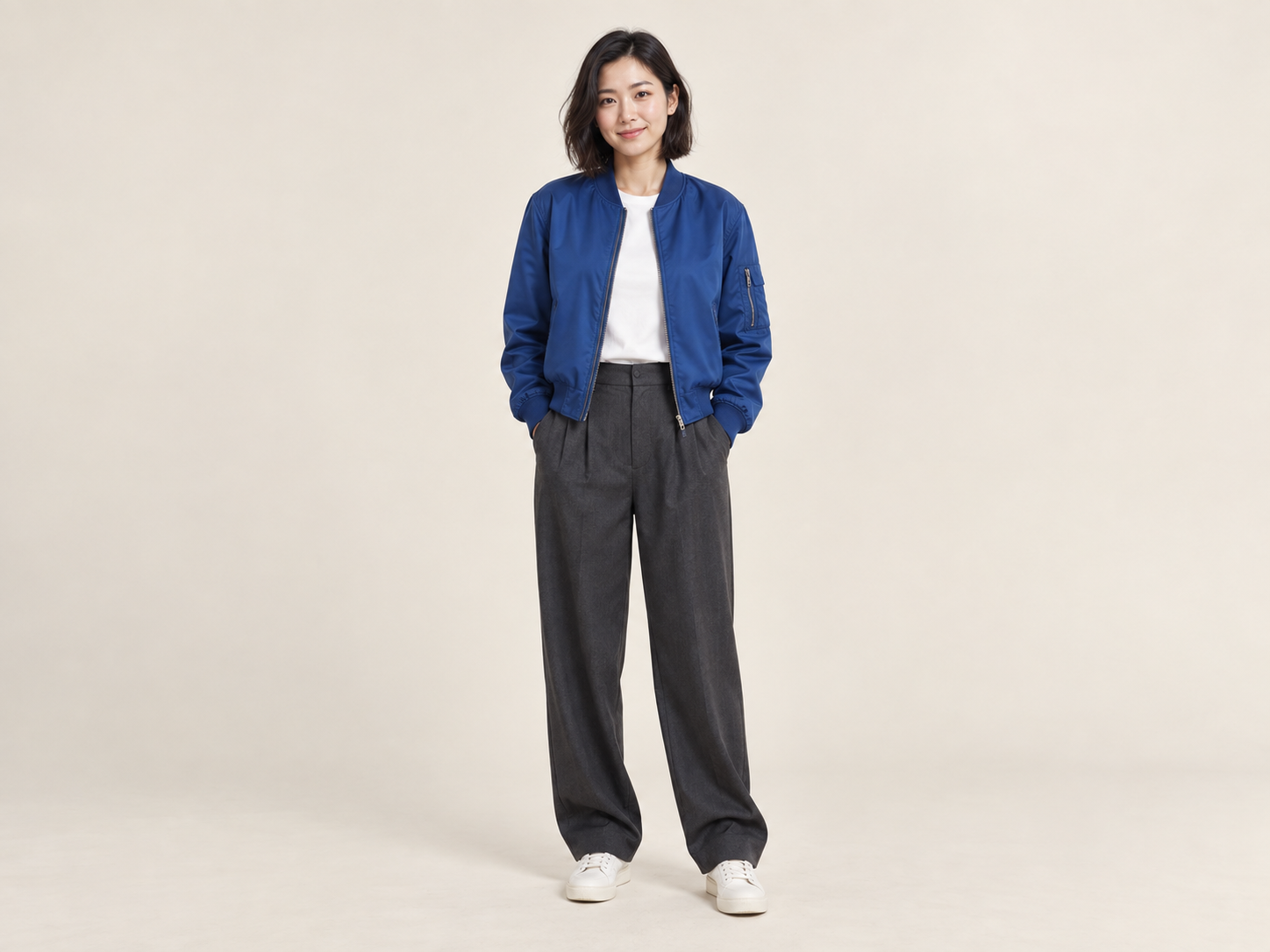 →
→#6 Hotel Lobby Rap Duo
Put you and a friend in the orange booth from two photos.
Request a trend
Every way to make a video
Text, a photo, first & last frames, reference images or a source clip – pick the mode that fits your idea.
AI Video Generator
Free-to-try AI video generator: turn text, photos, first & last frames, reference images or a clip into short videos with native audio, or one-click recreate trending templates.
Open tool →Text to Video
Type a prompt and get a viral-ready AI video with sound in seconds. Vertical 9:16 for TikTok and Reels, up to 1080p.
Open tool →First & Last Frame to Video
Upload a start frame and an end frame; AI generates the motion in between. Perfect for transformations, before/after and seamless loops.
Open tool →Reference to Video
Upload up to 9 reference images of characters, products or styles and generate a video that keeps them consistent.
Open tool →Video to Video
Upload a reference video plus optional images and a prompt to remix motion, style and subjects into a new viral clip.
Open tool →Viral templates, ready to remix
Trending formats we've tested ourselves. Swap in your photos and get your version – no prompt writing.
Open tool →11 leading video models in one place
Seedance, Kling, Wan and Hailuo side by side. Compare prices on the Generate button and pick the best model for every shot.

Seedance
ByteDance- Seedance 2.0 MiniNEW
- Seedance 2.0 Fast
- Seedance 2.0
- Seedance 2.5NEW

Kling
Kuaishou- Kling 3.0NEW

Wan
Alibaba- Wan 3.0NEW
- Wan 3.0 Prime

Hailuo
MiniMax- MiniMax H3
- Hailuo 2.3
- Hailuo 2.3 Standard
- Hailuo 02 Pro
Made for every channel you post on
Vertical, square or widescreen with sound built in – ready for wherever your audience is.
E-commerce
Turn product photos into product videos for listings, stores and launch posts.
TikTok
Ride trends with 9:16 clips that hook in the first second.
Instagram Reels
Scroll-stopping Reels and Stories from a single photo.
Ads
Test more ad creatives faster – new hooks, scenes and versions in minutes.
YouTube Shorts
Quick vertical videos to grow your channel between long uploads.
Music & creators
Music videos, dance remixes and meme formats starring you and your friends.
Image to Video AI: how it works
Pick a mode
Pick a mode – Text, Image (with optional end frame), Reference or Video.
Upload and describe
Upload your images or clip and describe the hook, motion and camera.
Set the format, generate
Choose 9:16 for TikTok / Reels / Shorts, set duration and quality, then generate.
FAQ
What makes a video go viral?
A strong hook in the first second, vertical 9:16 framing, clear motion and sound. Describe the hook and the camera move in your prompt, keep clips 5–10 seconds and turn on sound.
What is the difference between image to video and first & last frame to video?
Image to video animates a single start frame. Add an end frame and the AI generates the motion between the two, so the clip starts and ends exactly on your images – ideal for transformations, before/after and loops.
How is reference to video different from image to video?
In image to video your picture is the literal first frame. In reference to video your images only tell the AI what a character, product or style looks like; it builds brand-new scenes around them while keeping them consistent.
What does video to video do?
Upload a 2–15 second clip as a motion and camera reference, optionally add reference images, and describe what to change – swap the subject, restyle the scene or remix the action.
How many credits does a video cost?
The price depends on model, resolution and duration and is shown on the Generate button before you start. If a generation fails, credits are refunded automatically.
Can I use the videos commercially?
Yes, videos you generate are yours to post on TikTok, Reels, Shorts and in ads, as long as your inputs do not infringe on others’ rights.
Ready to make yours?
Free credits to start. No editing skills needed.