
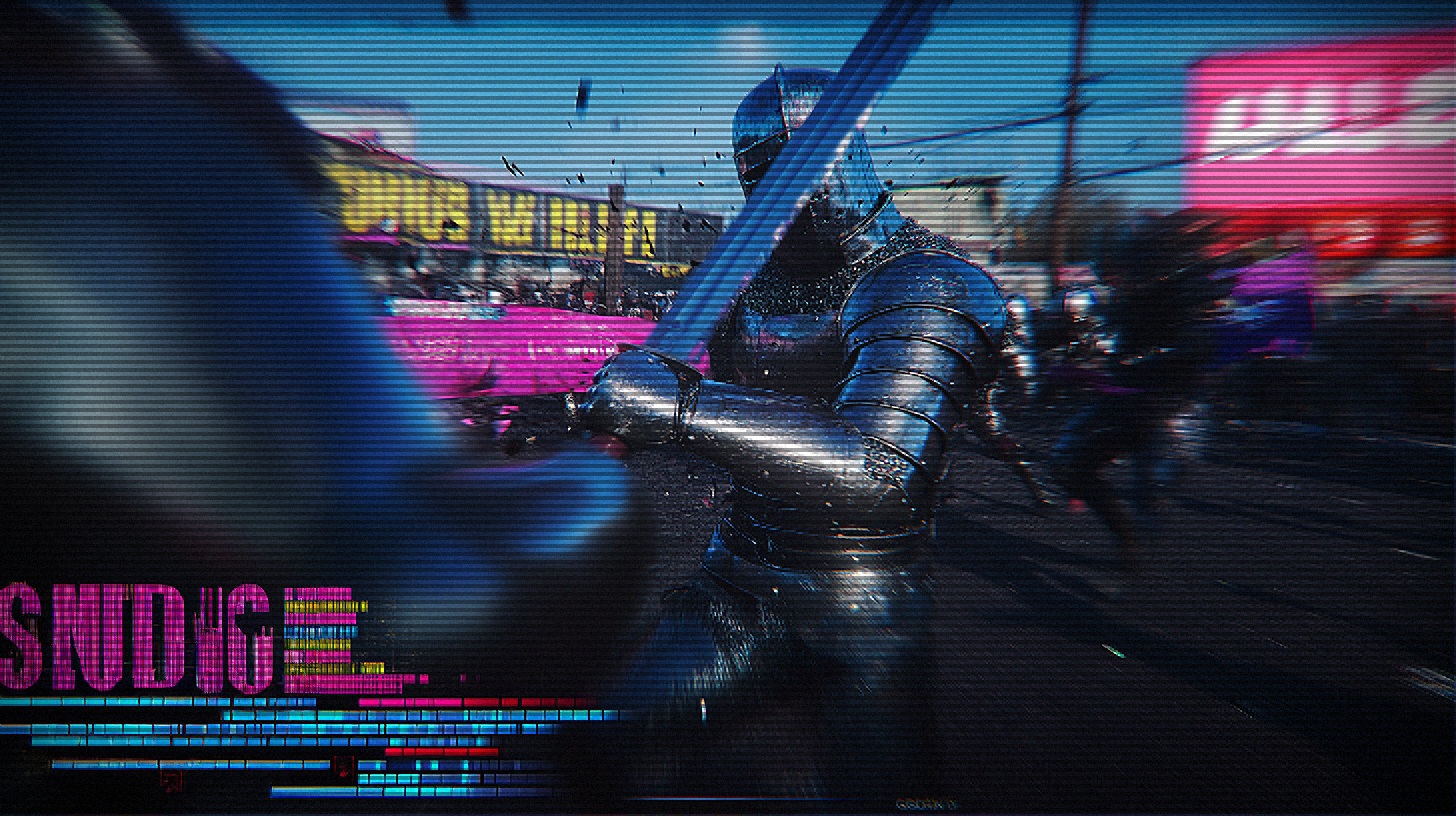
Add CRT and Pixel Effect to Your Images Online - 100% Free
Transform your photos into stunning artistic pieces with our professional-grade CRT effect generator. No registration required, completely free to use!
What is CRT Effect and Pixel Art
CRT (Cathode Ray Tube) effect is a filter that simulates the visual characteristics of old televisions and monitors. It includes elements such as scan lines, chromatic aberration, screen curvature, and slight noise, perfectly recreating the unique aesthetics of late 20th century electronic devices. Pixel art is a visual art form where each pixel is carefully designed, originating from the limitations of early video games and computer graphics.
CRT displays differ significantly from modern LCD/LED displays in how they show images. CRT displays emit light by exciting phosphors with electron beams, producing soft glows and natural blur; modern displays are pixel arrays, causing retro content to lack the original visual feel on contemporary devices.
Our CRT and pixel effect filters digitally recreate these classic visual characteristics, allowing you to easily add nostalgic retro atmosphere to any image, evoking the unique aesthetics of 80s-90s electronic media.
Key Components of CRT Effect
- Scan Lines - Simulating the horizontal lines of CRT displays
- Chromatic Aberration - Mimicking color distortion from slight RGB channel shift
- Screen Curvature - Recreating the convex glass effect of old displays
- Noise and Grain - Simulating electronic signal interference
- Pixelation - Emphasizing the sharpness of square pixel edges
- Glow Effect - Simulating the soft halo from CRT phosphor illumination
- Slight Distortion - Mimicking the instability of electronic signals
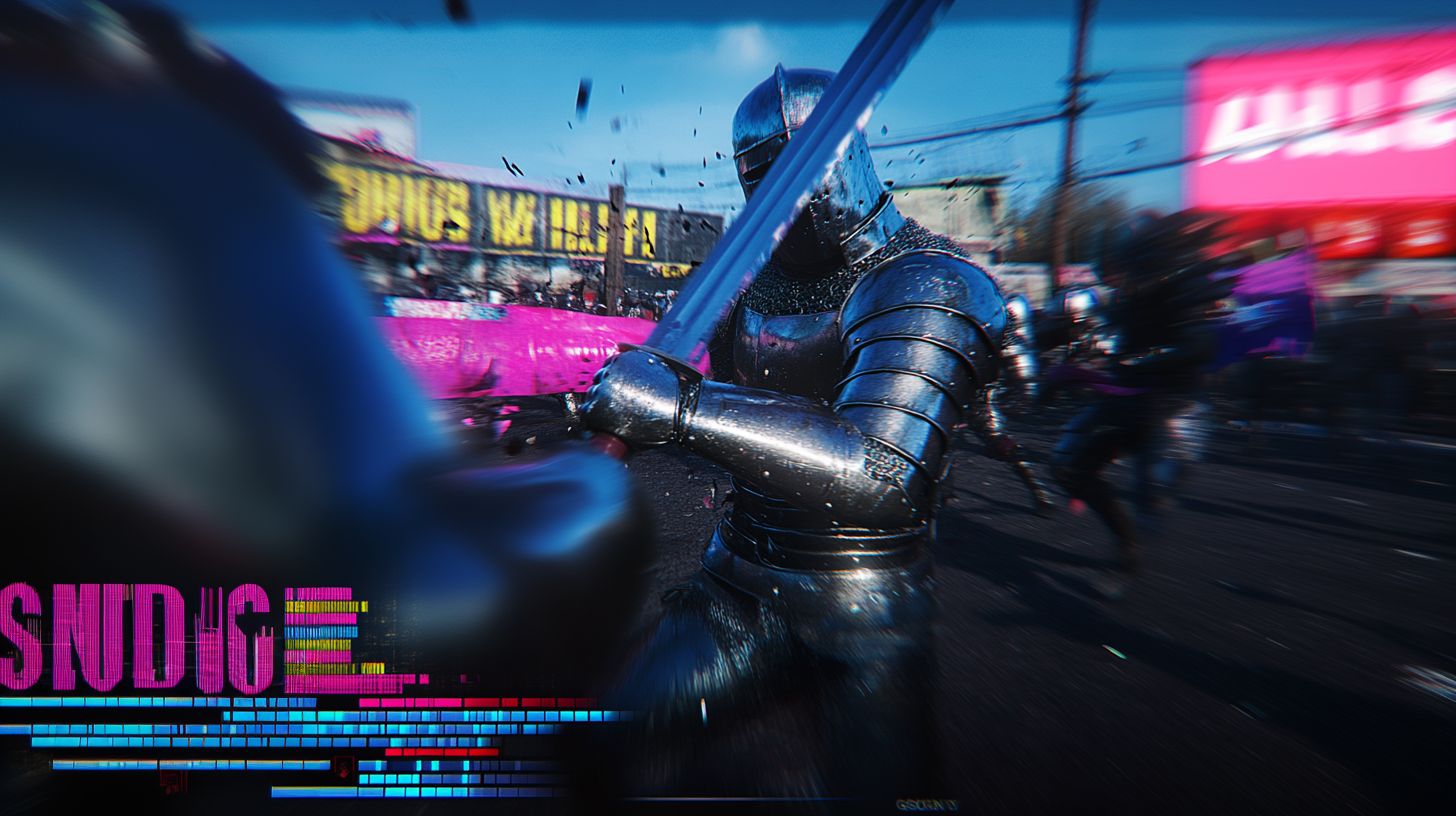
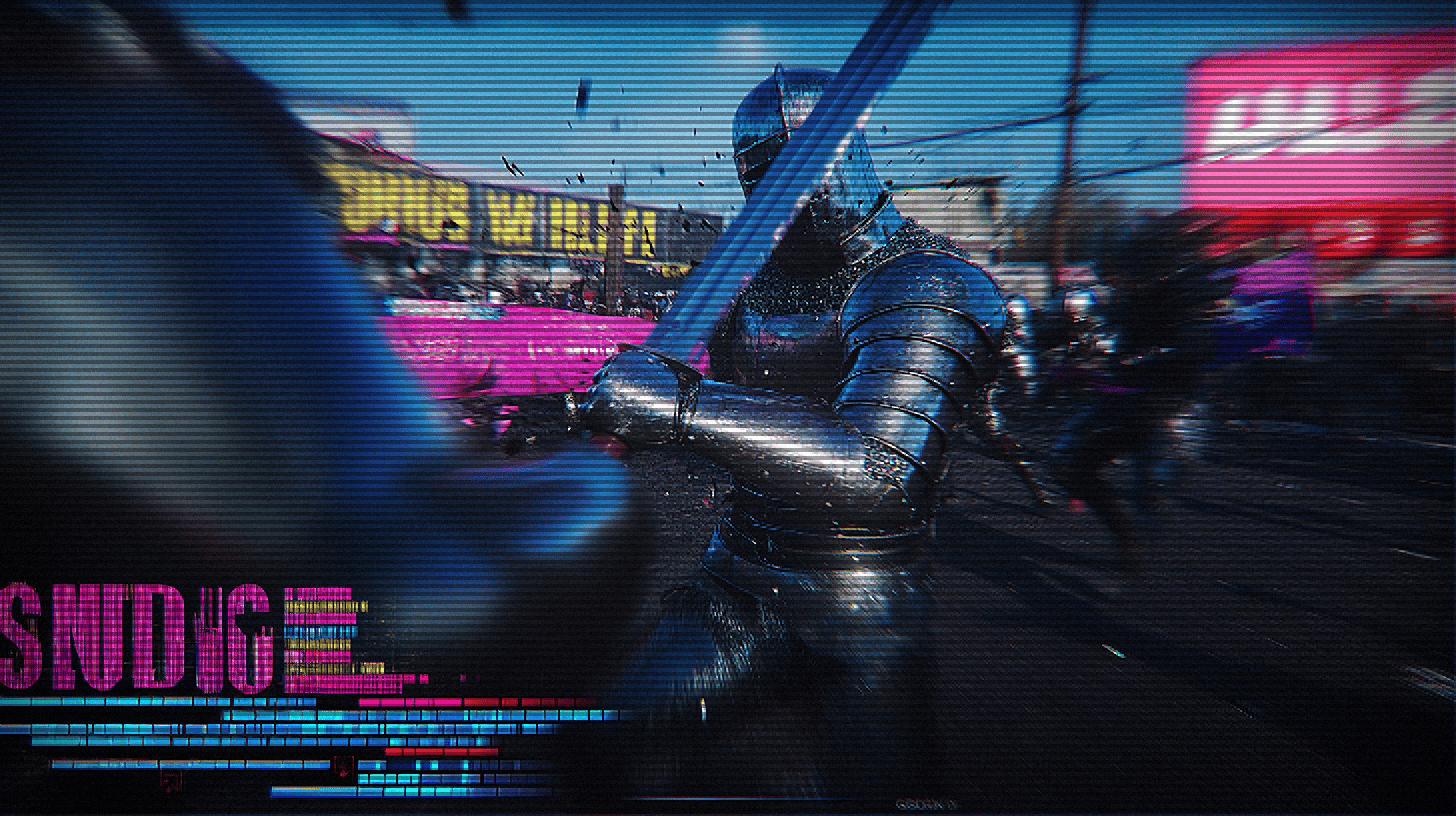
How to Use Our CRT and Pixel Effect Generator
Upload Your Image
Click the "Upload Image" button to select any photo from your device. Our tool supports all common image formats, including JPG, PNG, and WebP.
Customize CRT and Pixel Effects
Adjust parameters like scan lines, chromatic aberration, curvature, glow intensity, and pixel size to achieve your ideal retro visual effect. Use image property sliders to fine-tune brightness, saturation, and sharpness.
Download Your Creation
Once you're satisfied with the effect, simply click the download button to save your creation in high-quality image format to your device, ready to use in your projects.
You May Also Like Our Other Effects
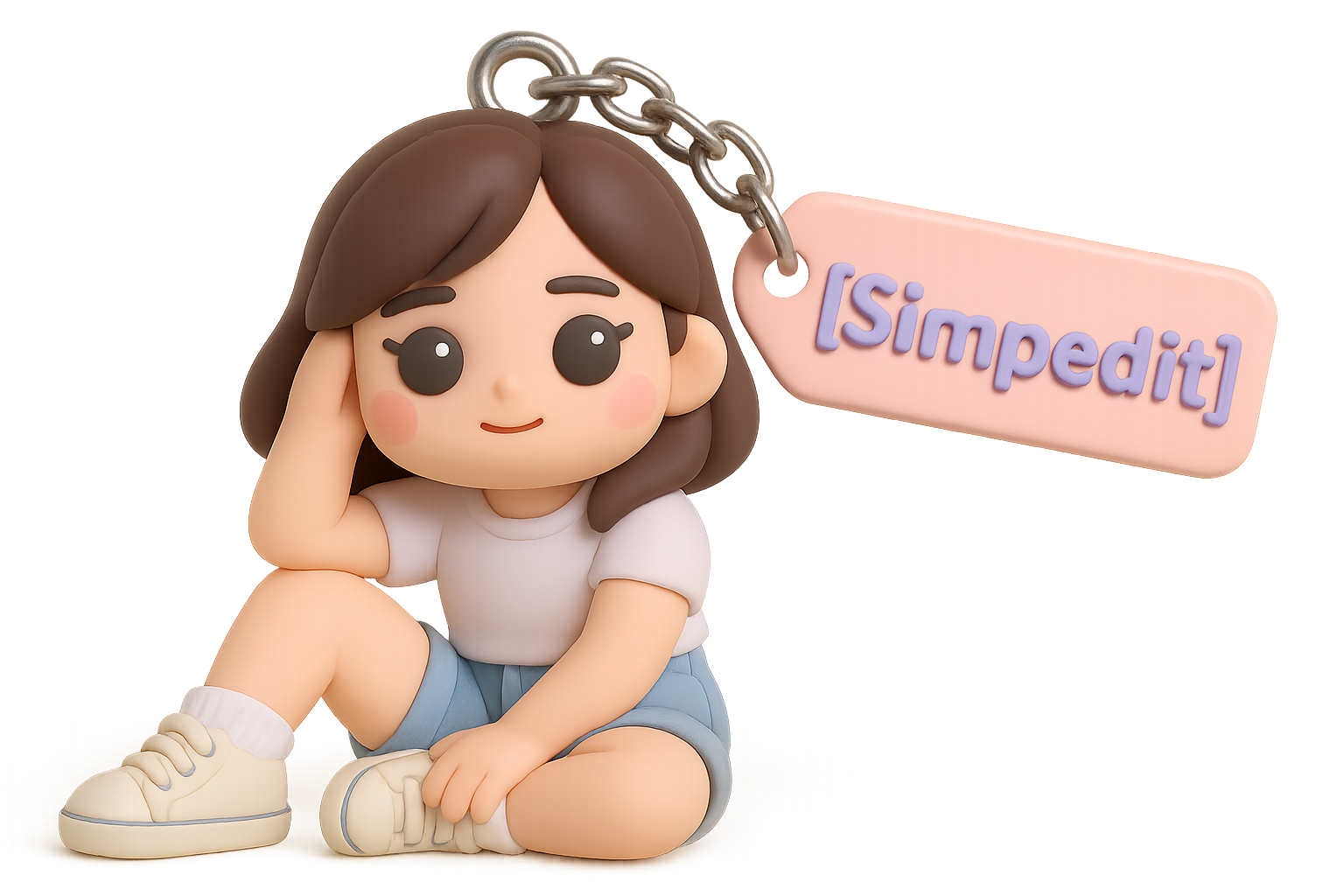
keychain Generator
Transform your image into a keychain

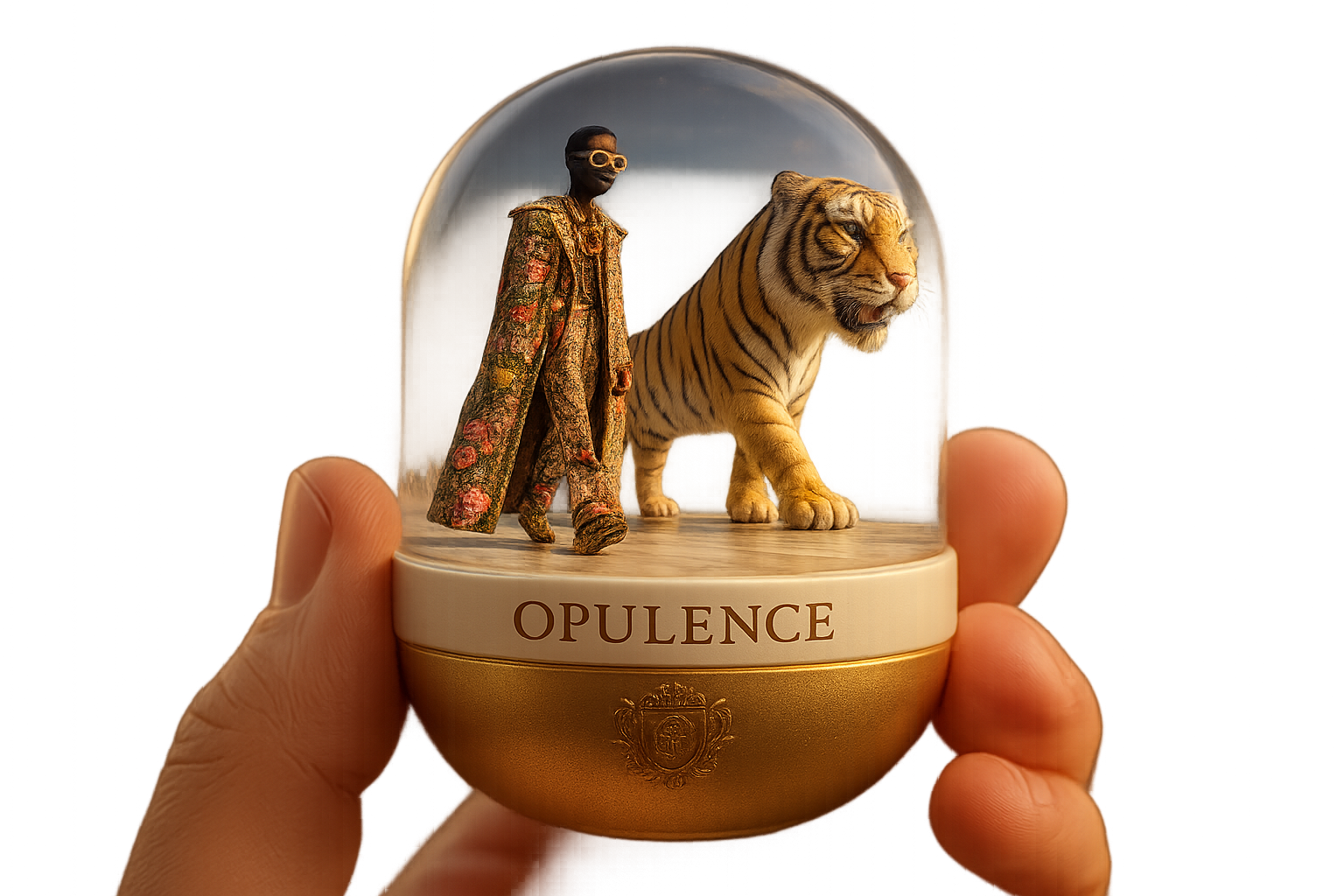
Capsule Portrait Maker
Create a capsule portrait of yourself or your friends
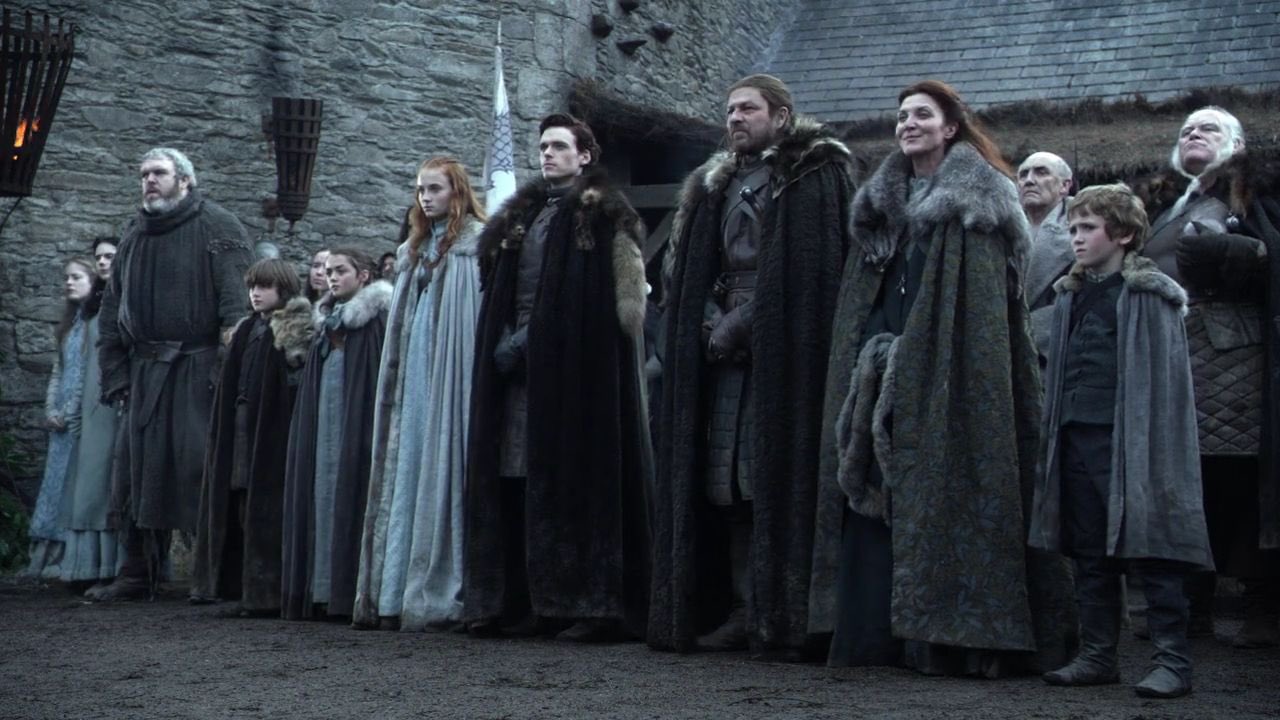
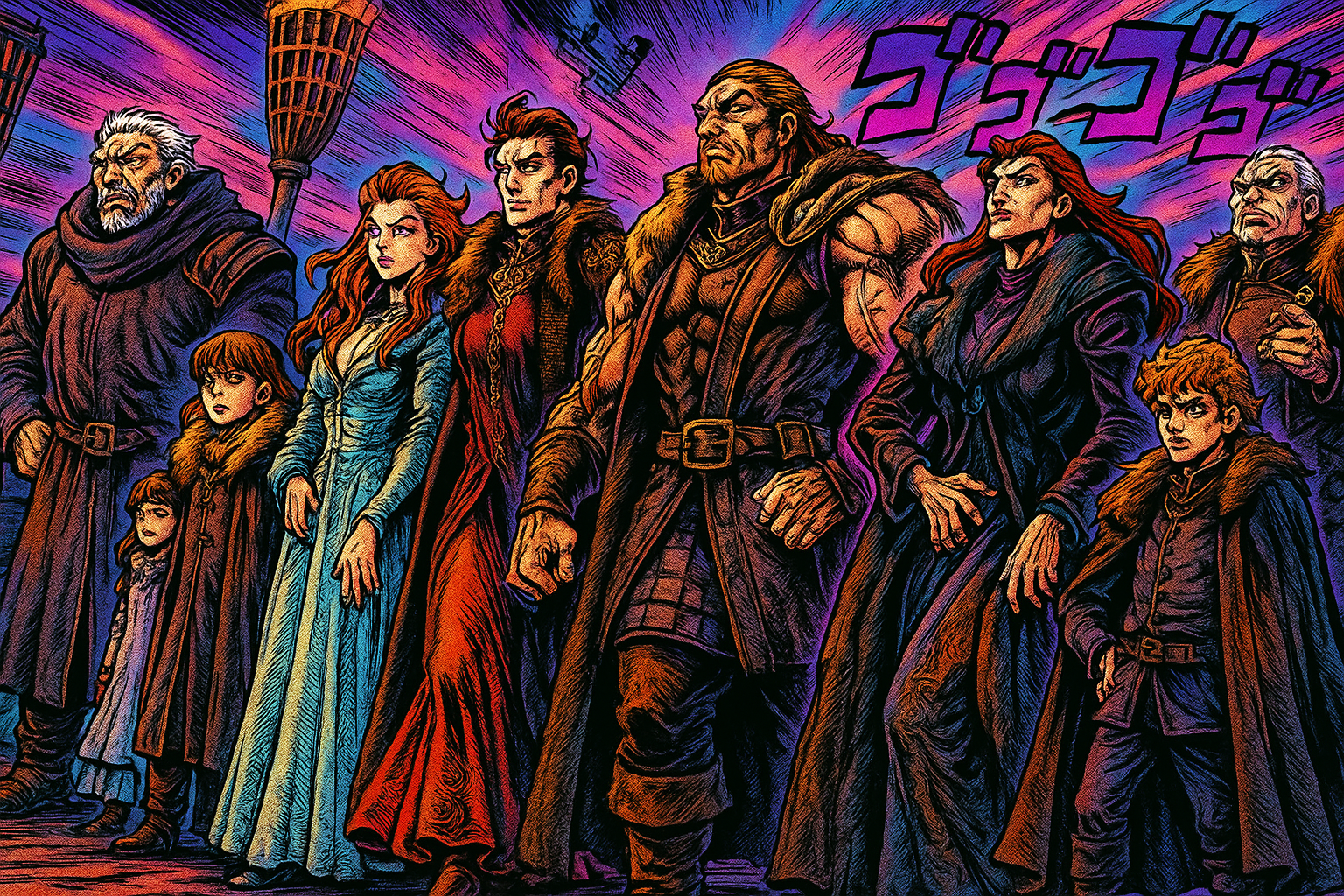
Transform Image Into JoJo’s Bizarre Adventure
featuring bold, dynamic linework, and highly exaggerated facial expressions.

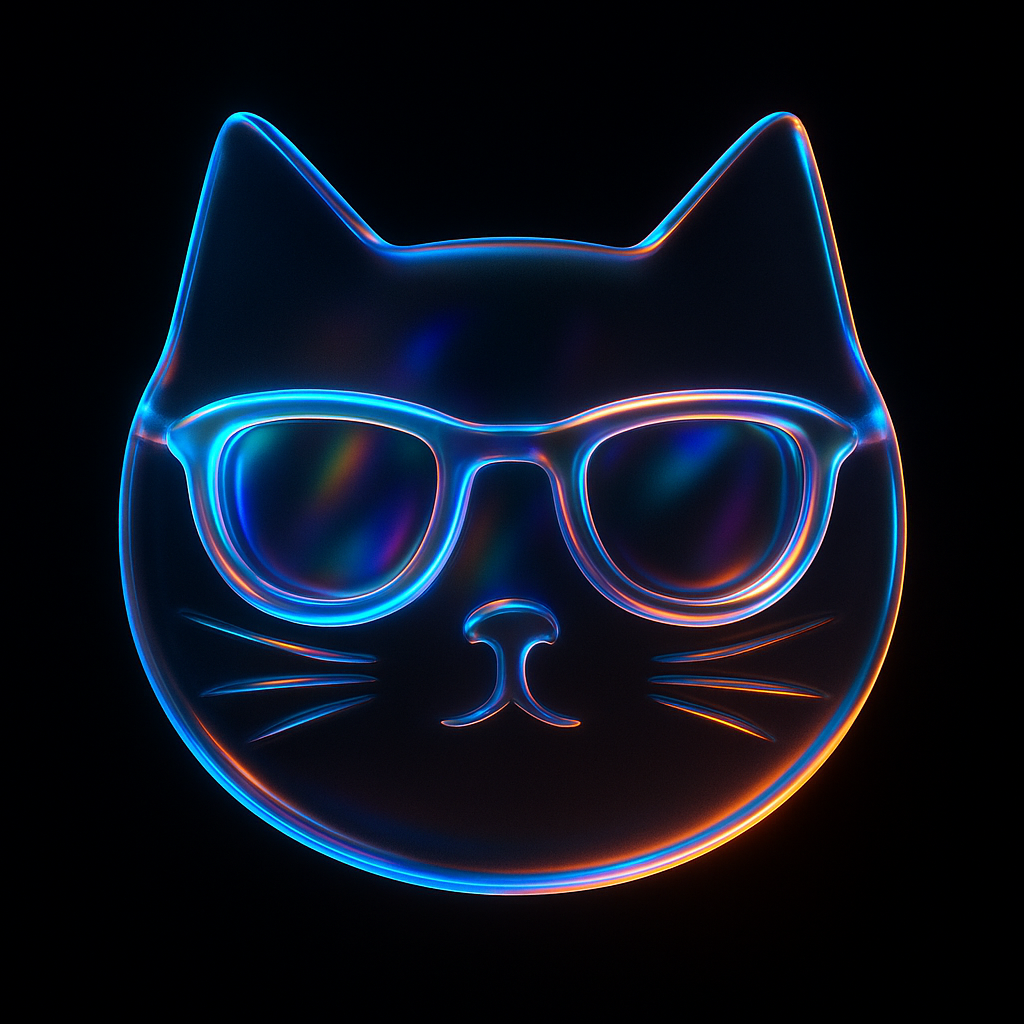
Transform Icon Into 3D Image
Let your product logo or icon more attractive and unique!
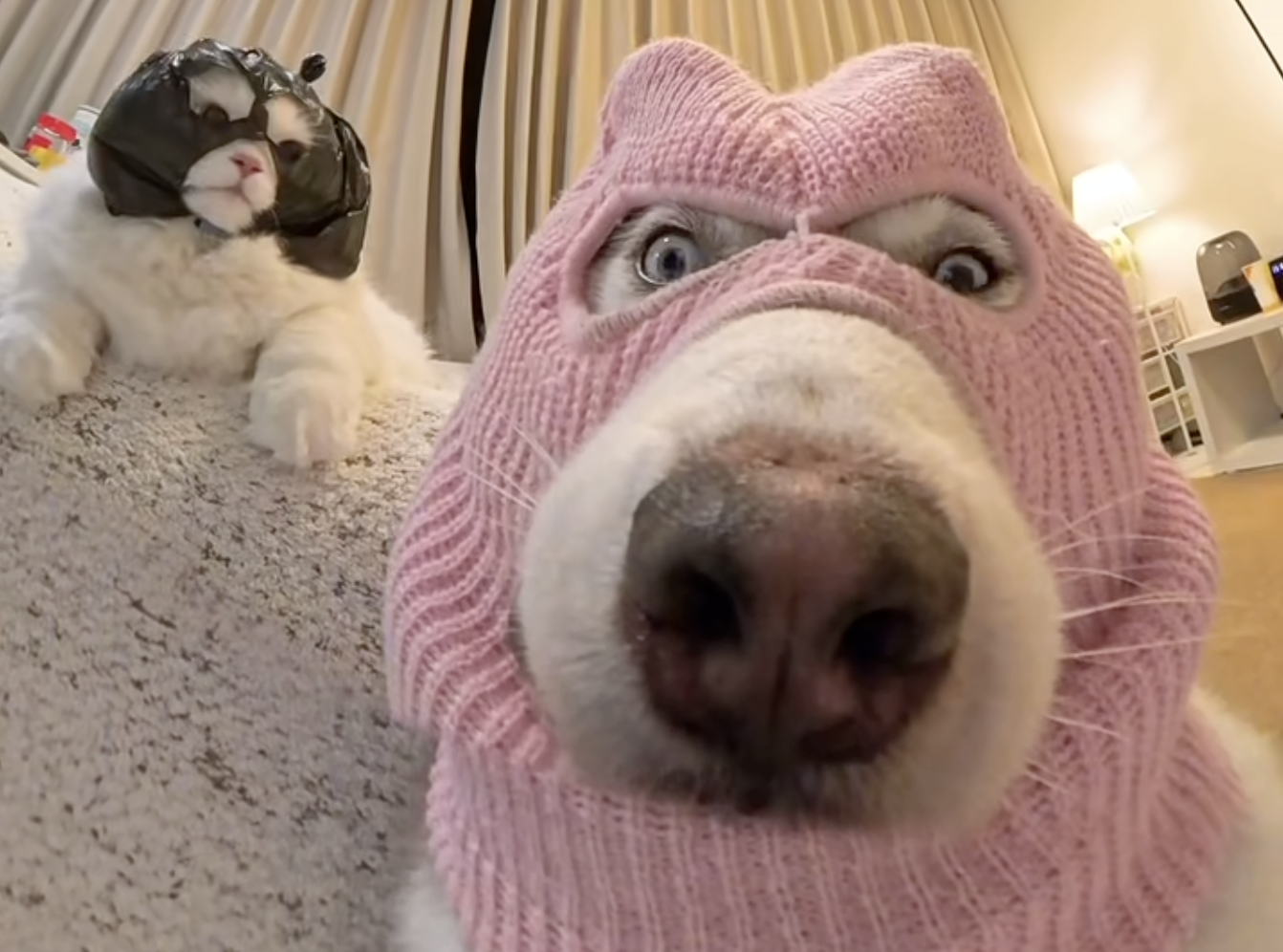
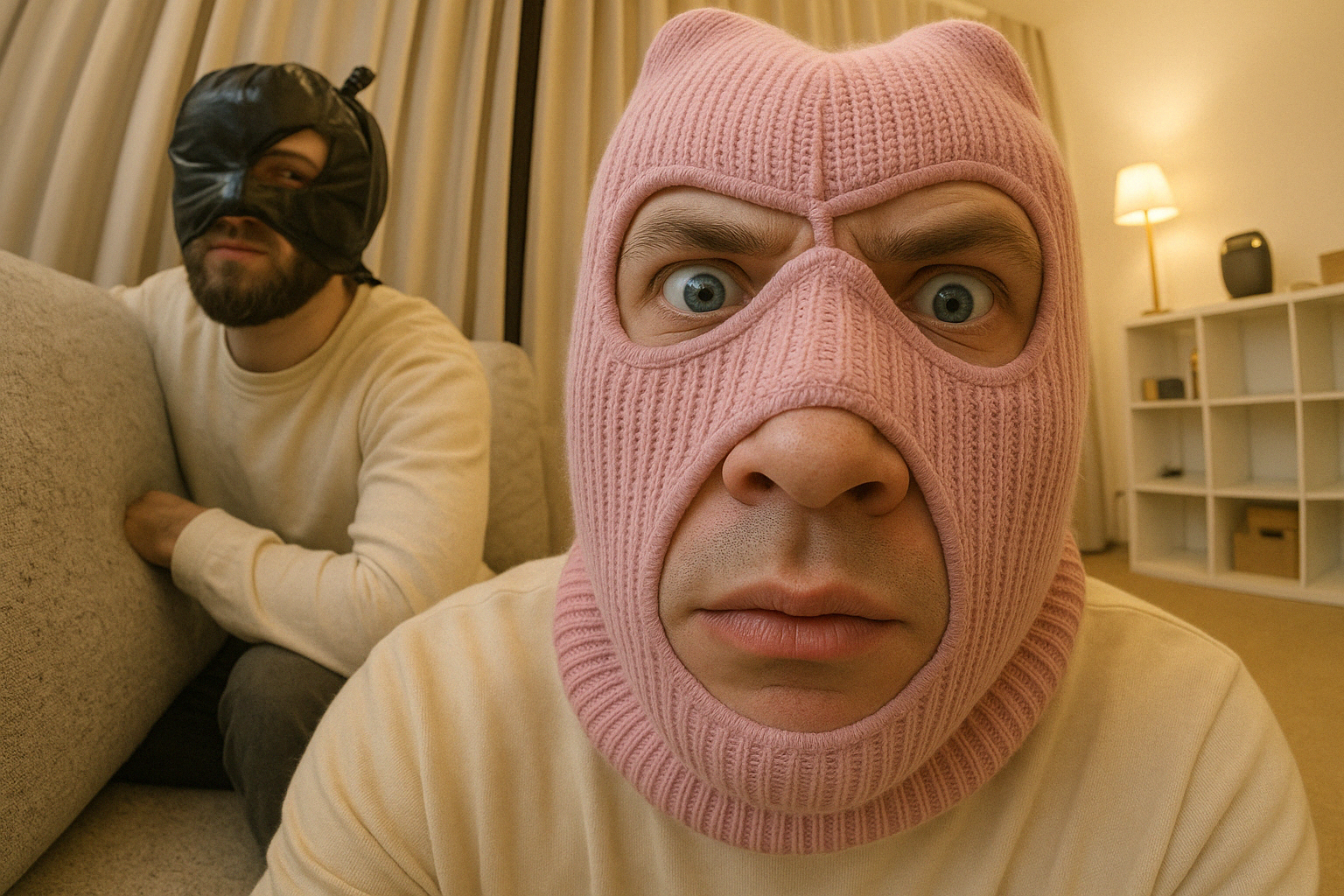
Make Dog or Cat Into A Human
Transform your pet photo into a human character, see what your pet would look like as a human

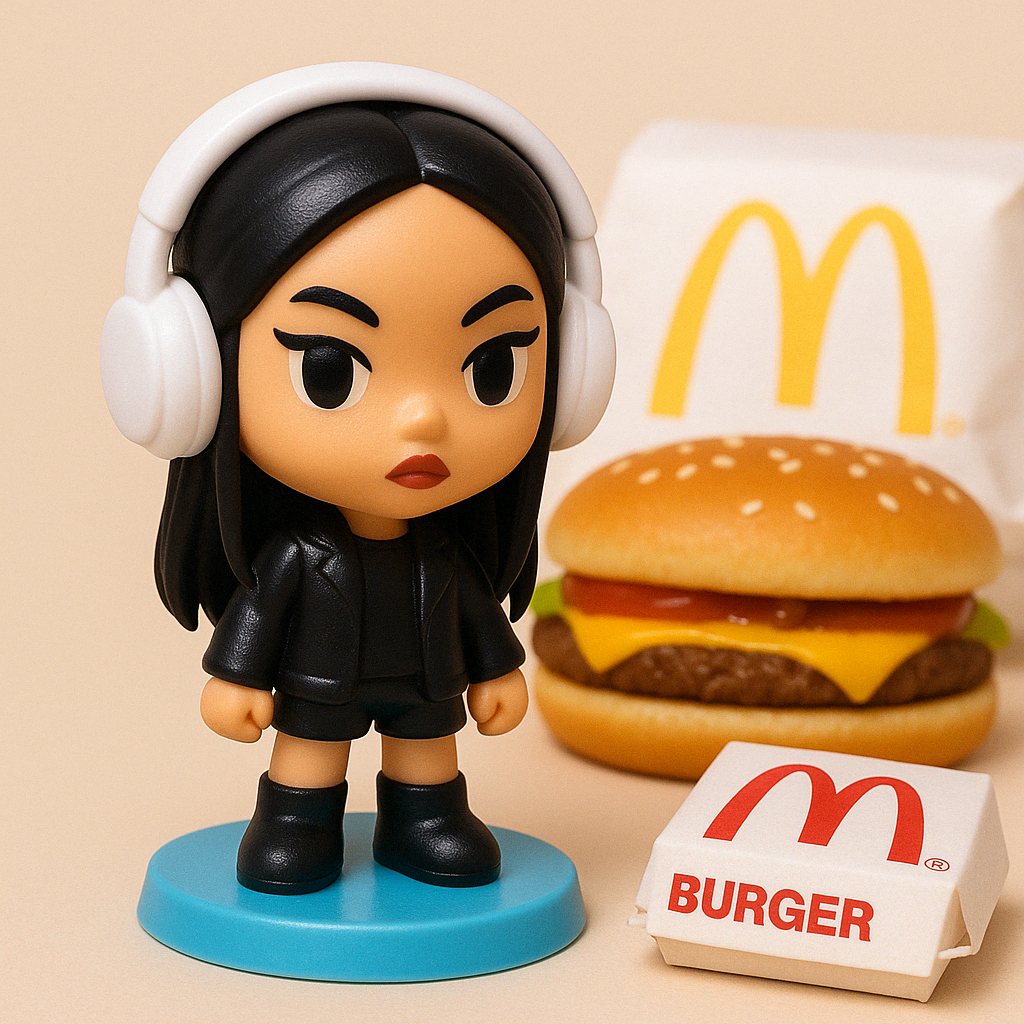
Happy Meal Toy Generator
Transform your image into a McDonald's Happy Meal Toy
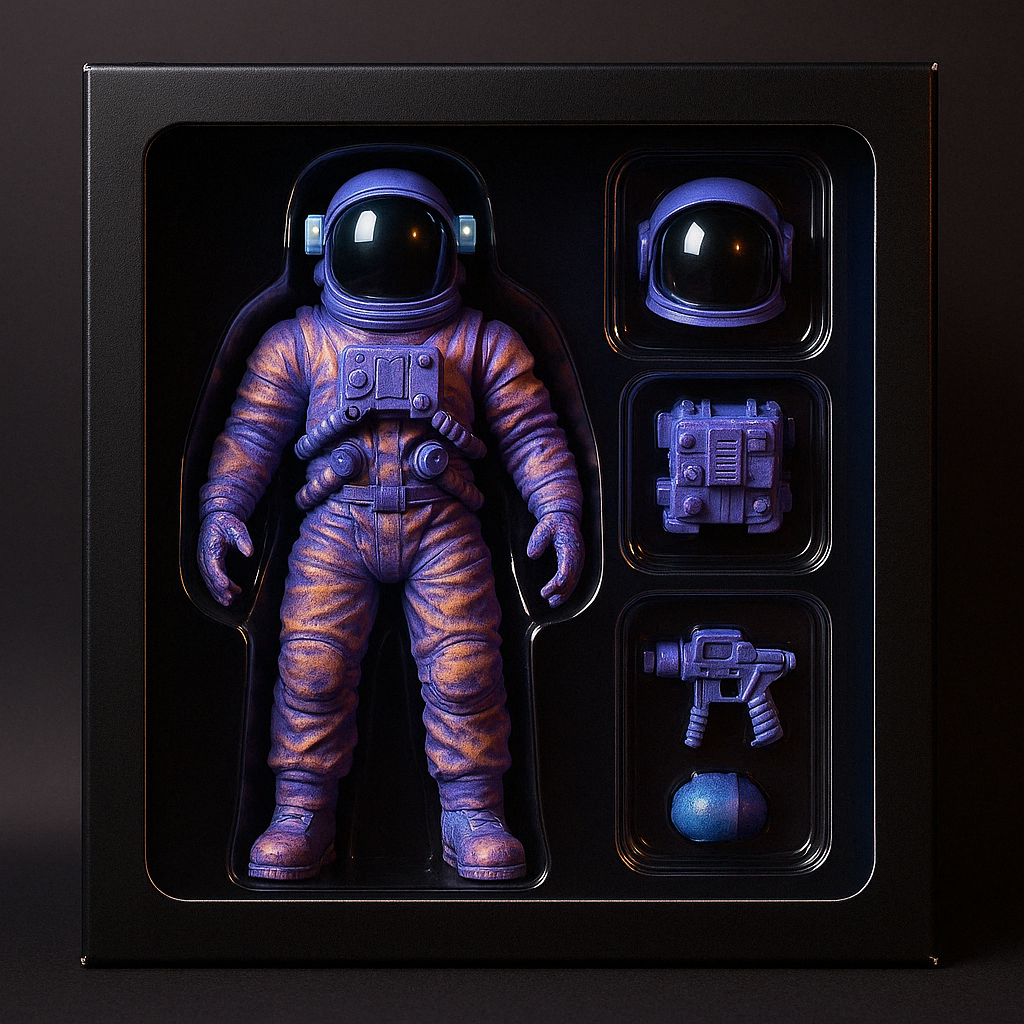
Action Figure Generator
Transform your image into a popular Action Figure style on social media
.gif)
Glitch Art GIF Generator
Transform your image into a Glitch Art GIF
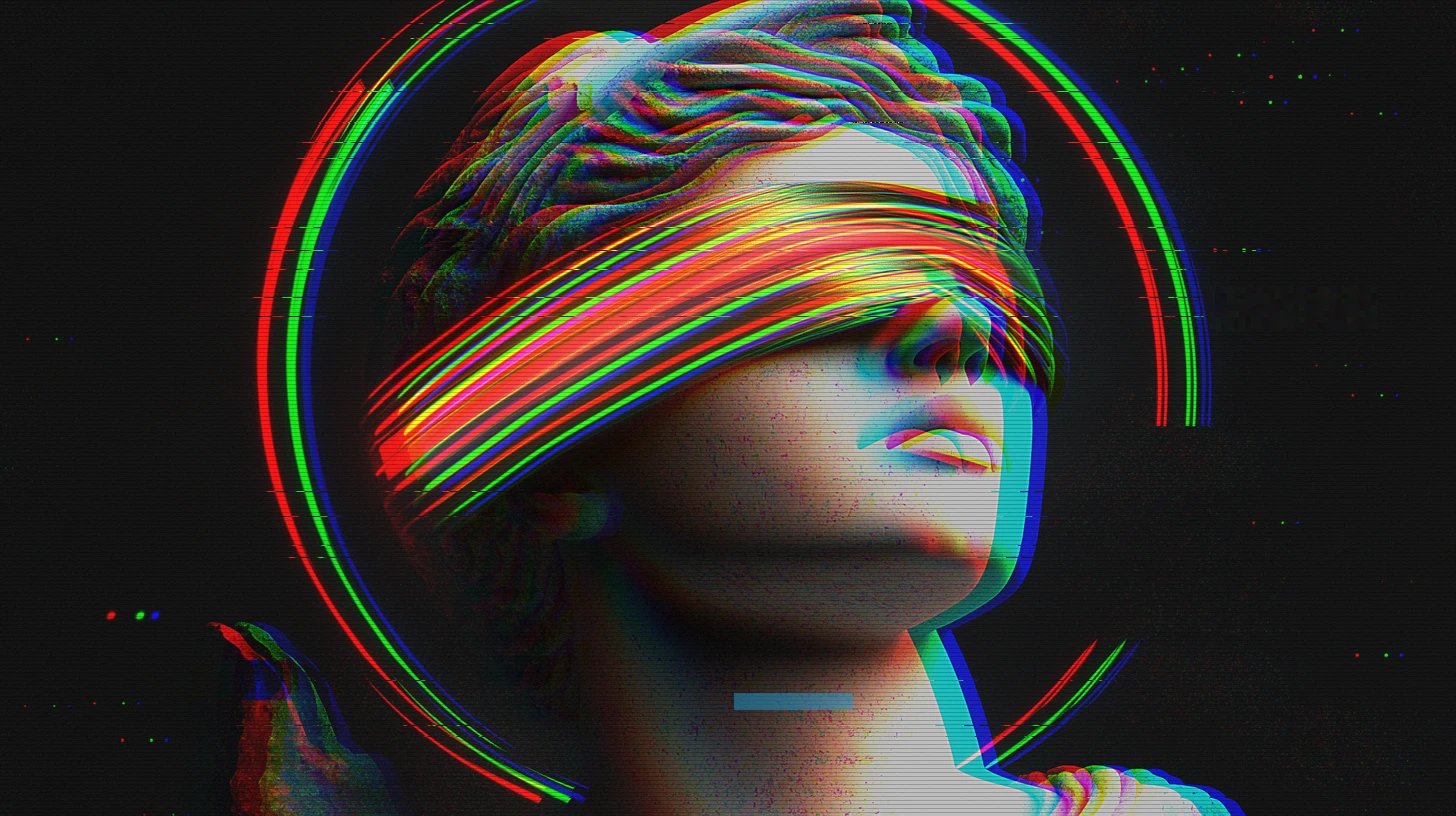
Glitch Art Generator Online
Transform your image into a cyberpunk style images
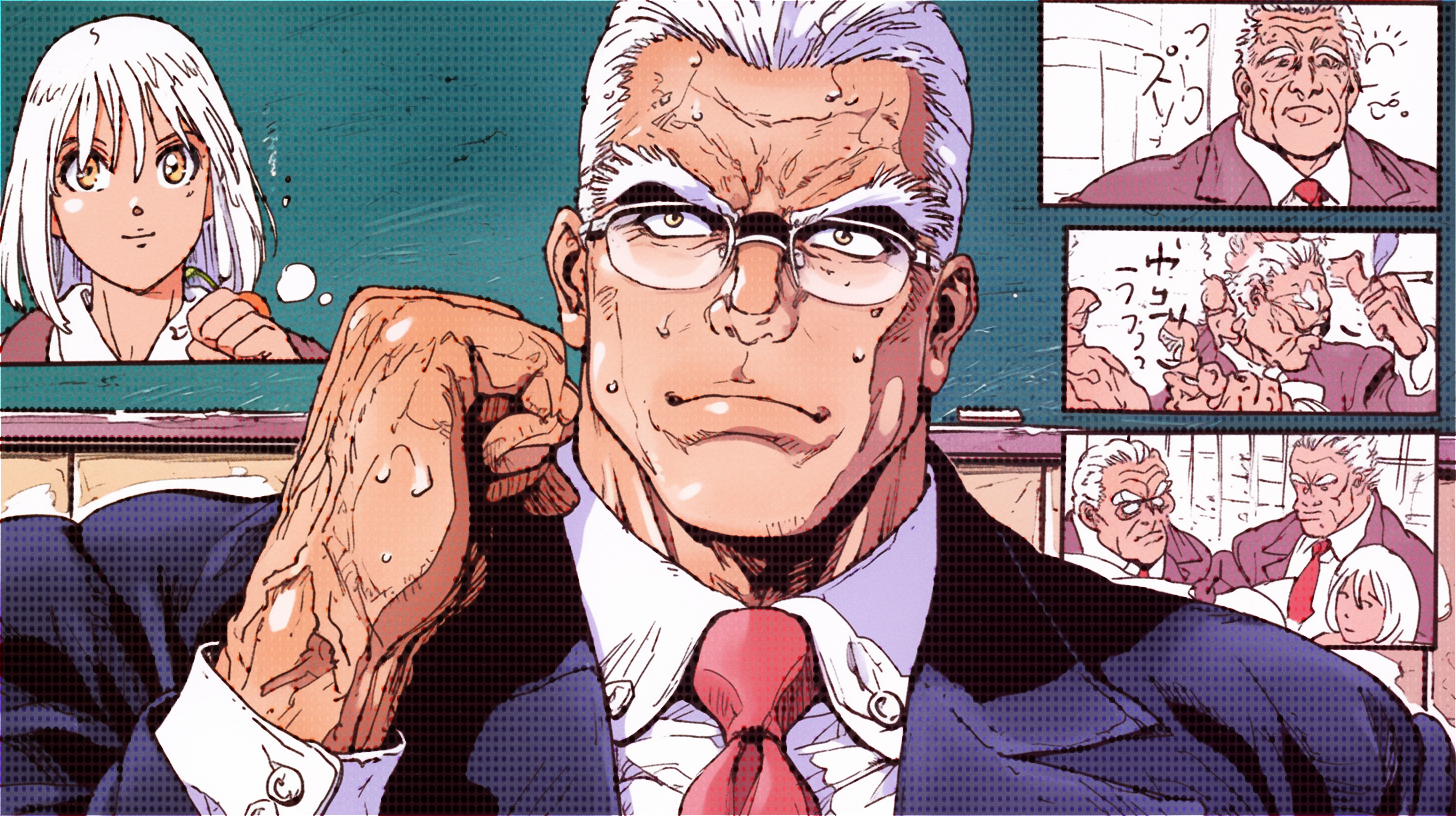
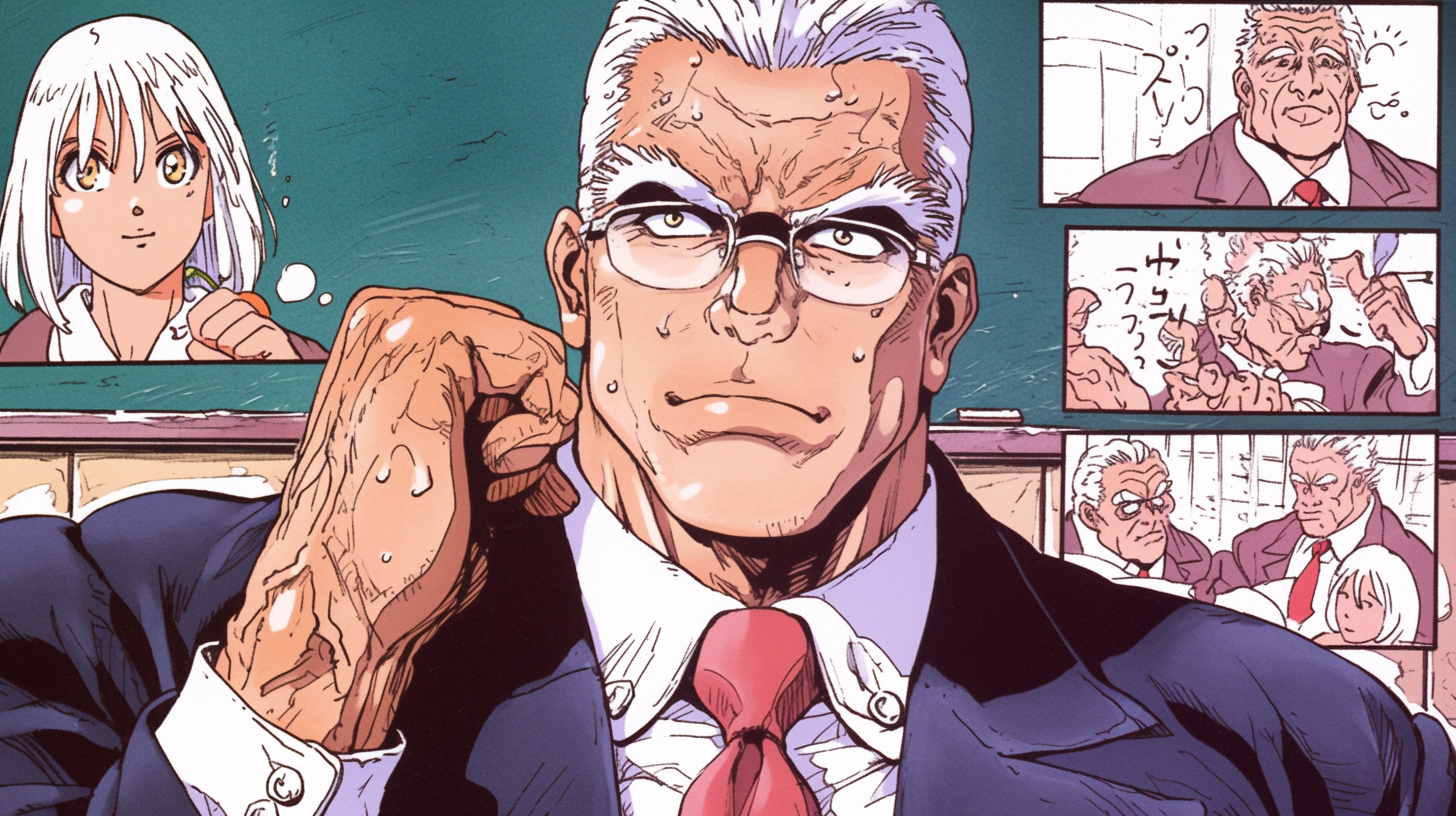
Halftone Effect Generator
Transform your image into a pattern of dots or lines to represent an image
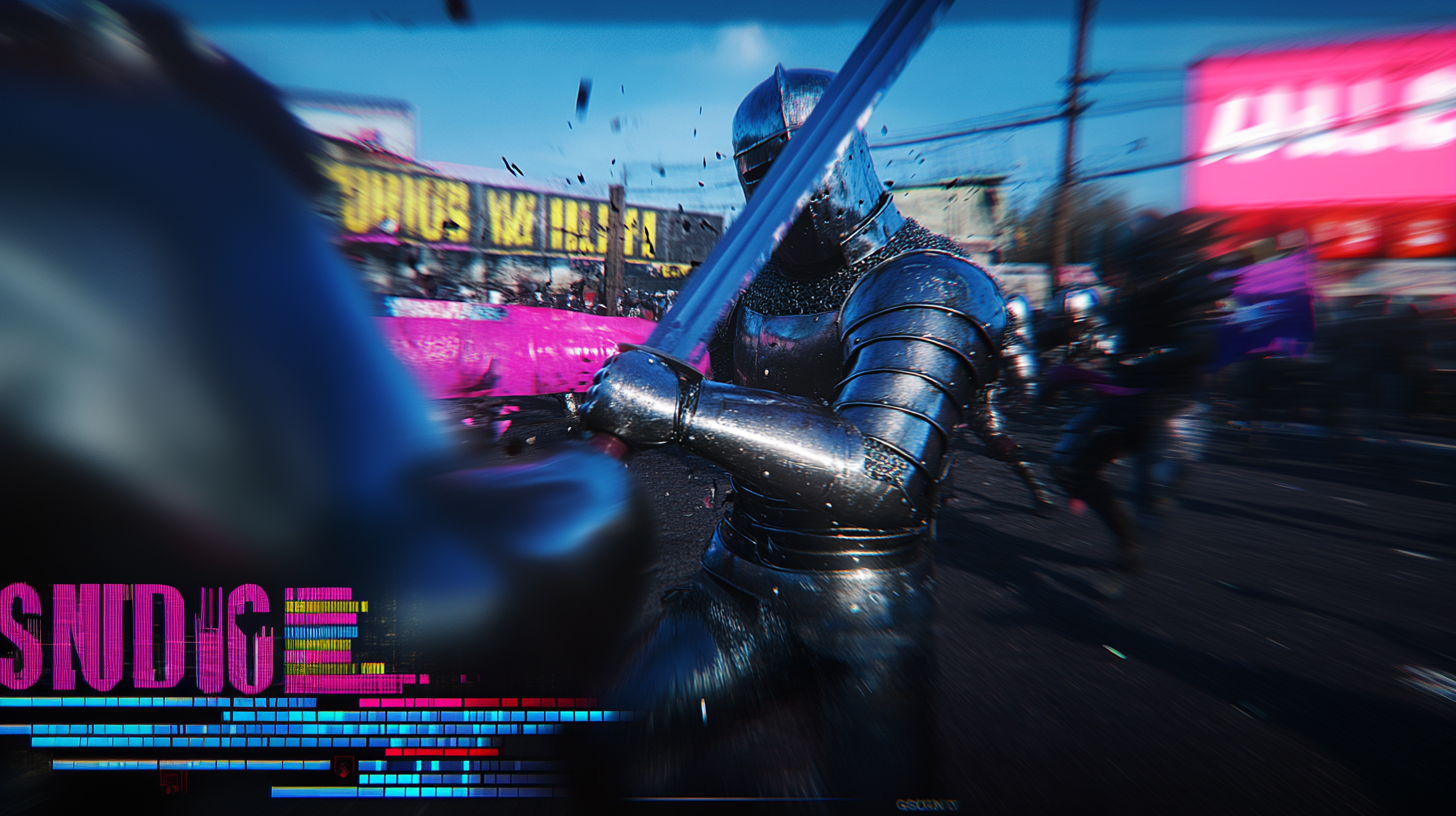
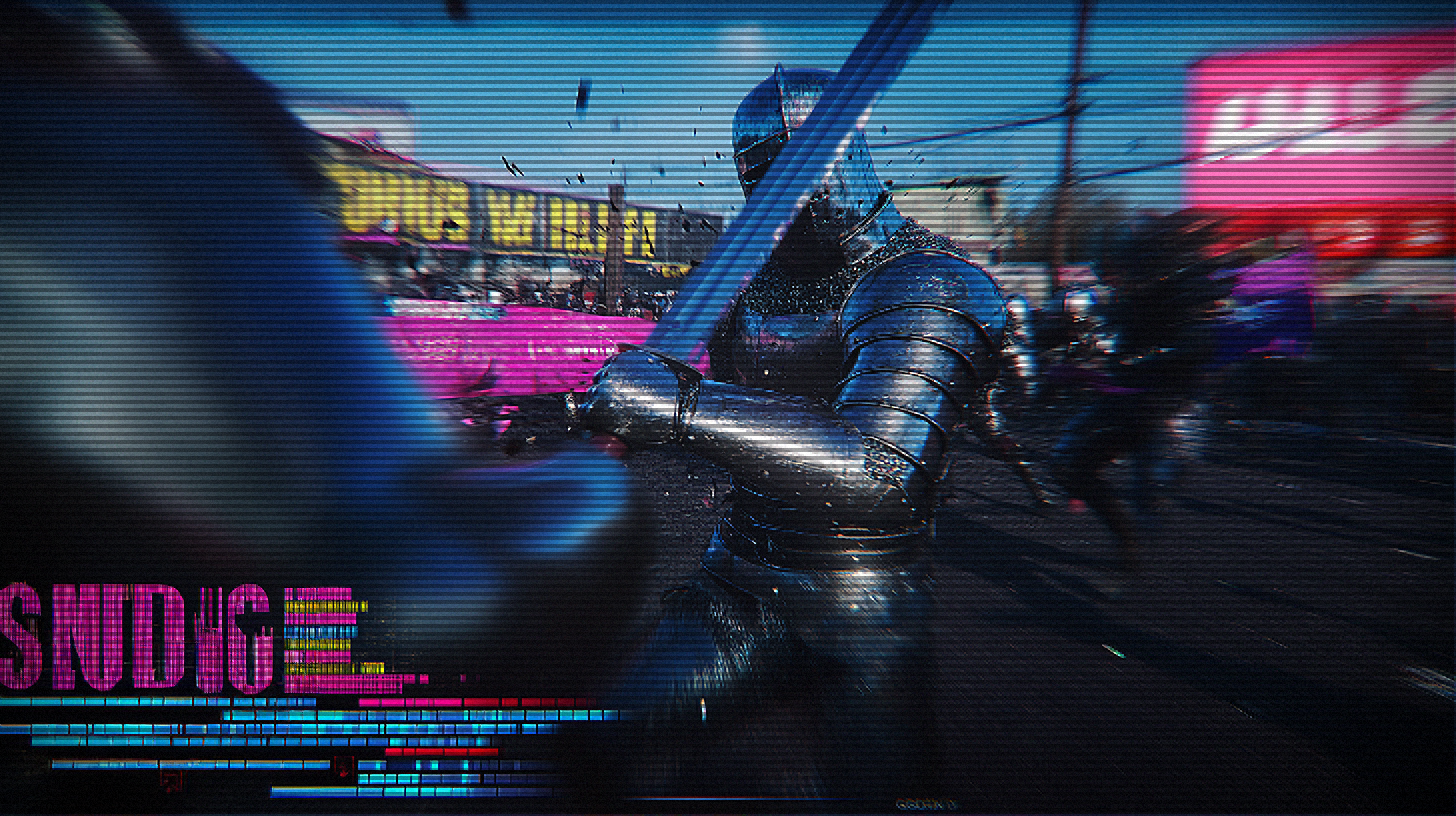
CRT And Pixel Effect Generator
Transform your image into a Mimicking the instability of electronic signals
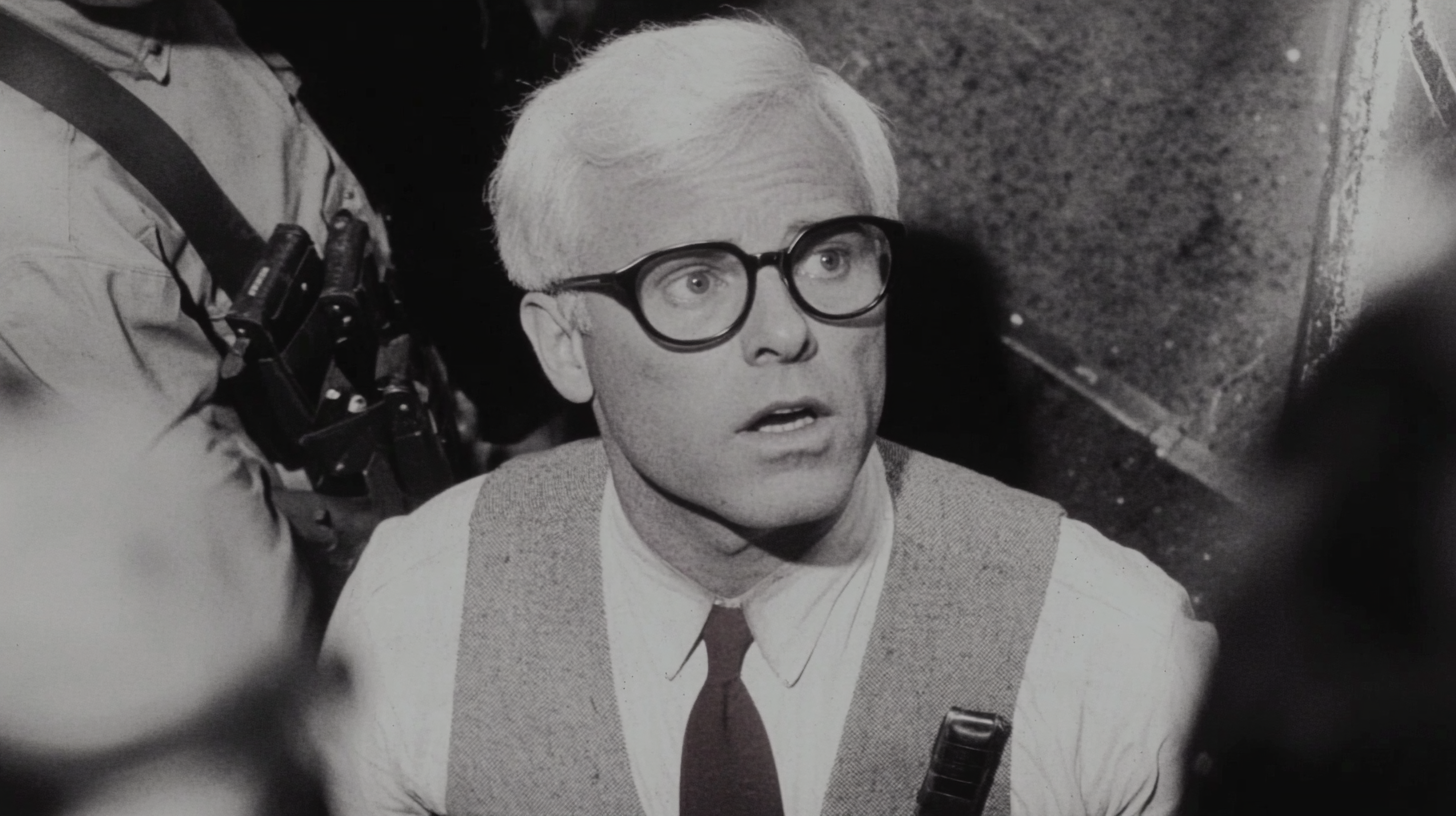
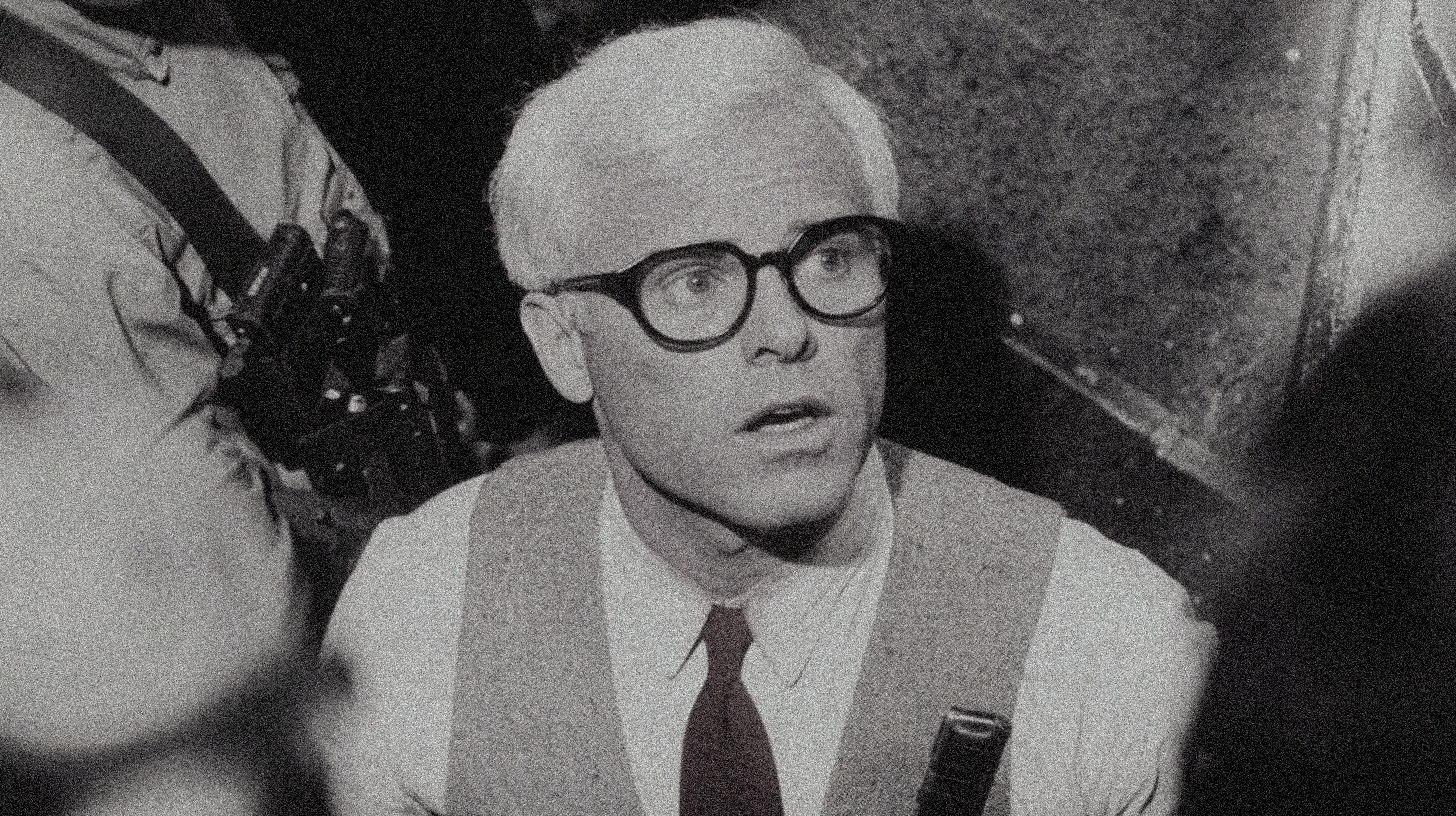
Noise and Film Grain Generator
Transform your image into a film grain and real film
Technical Principles and Implementation
Technical Implementation of CRT Effects
CRT effect implementation is primarily based on Canvas API and pixel-level image processing techniques. Our tool uses a multi-layer filter composition method, including:
- Scan Lines Implementation: By creating an array of semi-transparent black horizontal lines and applying them to the original image using multiply blend mode
- Chromatic Aberration Simulation: Separating RGB channels and applying slight offsets, then recomposing using screen blend mode to create color bleeding effects
- Curvature Effect: Applying radial gradient masks with increased darkness at edges to simulate the convex glass of CRT displays
- Glow Processing: Creating a luminance effect that fades from center to edge, simulating CRT phosphor characteristics
Pixelation Effect Process
Pixelation effects are implemented through these steps:
- Reducing image resolution to create larger pixel blocks
- Disabling image smoothing to preserve pixel edge sharpness
- Applying edge detection algorithms to enhance pixel boundaries
- Rescaling the processed image back to original dimensions
- Applying brightness, contrast, and color adjustments to enhance the retro style
These techniques combined can create various retro visual effects from 8-bit and 16-bit consoles to 90s PC and arcade styles.
Creative Applications
Games and Pixel Art
Add authentic CRT display effects to game screenshots, pixel art works, or indie game promotional materials to enhance the authenticity and visual appeal of retro gaming experiences.
Retro Style Photography
Transform modern photos into artistic pieces with 80s-90s TV and videotape qualities, creating unique visual styles for social media content or art projects.
Visual Design and Advertising
Create nostalgic retro aesthetics for design projects, posters, cover art, or advertisements to attract audiences with emotional connections to the classic electronic media era.
Effect Comparison and Selection Guide
| Effect Type | Best Application Scenarios | Visual Characteristics | Recommended Parameter Settings |
|---|---|---|---|
| Classic CRT Effect | 90s TV/Console Screen Simulation | Prominent scan lines, mild chromatic aberration, soft glow | Scan line opacity: 0.5, Scan line spacing: 6, Chromatic aberration: 0.7 |
| 8-bit Pixel Style | Early console aesthetics, like NES/FC | Large pixels, limited color palette, sharp edges | Pixel size: 4-5, Edge strength: 0.8, Enhanced saturation |
| VHS/Videotape Style | 80s-90s home video quality | High noise, color shifting, signal interference | Noise: 0.08, Chromatic aberration: 1.2, Reduced brightness, Enhanced curvature |
| Old Computer Monitor | DOS/Early PC interface simulation | Sharp pixels, prominent screen curvature, slight flicker | Curvature: 8, Medium scan line intensity, Moderate pixelation |
Frequently Asked Questions
Is this CRT and pixel effect generator really completely free?
Yes, our effect generator is completely free to use. There are no hidden fees, watermarks, or registration requirements. You simply upload your image, apply the effect, and download the result.
What types of images work best with CRT and pixel effects?
Images with higher contrast typically produce the most striking effects. Game screenshots, pixel art works, portraits, and images with clear foreground/background elements work especially well. Simple and colorful images work best when applying pixelation effects.
Are my images uploaded to your servers?
No, we process images entirely in your browser. Your photos never leave your device, ensuring complete privacy and security. This also means that processing speed depends on your device's performance.
What's the difference between CRT effects and pixelation effects?
CRT effects primarily simulate the visual characteristics of old cathode ray tube displays, including scan lines, chromatic aberration, and screen curvature; while pixelation effects emphasize the blocky pixel structure of images, enhancing the visibility of pixel edges to simulate low-resolution images. Both effects can be used separately or combined to create a comprehensive retro visual experience.
Can I use the generated images for commercial purposes?
Yes, you're free to use images created with our tool for both personal and commercial purposes. However, please note that you must own the rights to the original images you upload or have permission to modify them.
Ready to add classic retro effects to your images?
Join thousands of creators using our CRT and pixel effect generator to add artistic flair to your projects.