
Alors on Danse AI Video Generator: 2-photo character swap: put your duo in the viral white-studio meme
Template
Your photos2 photos
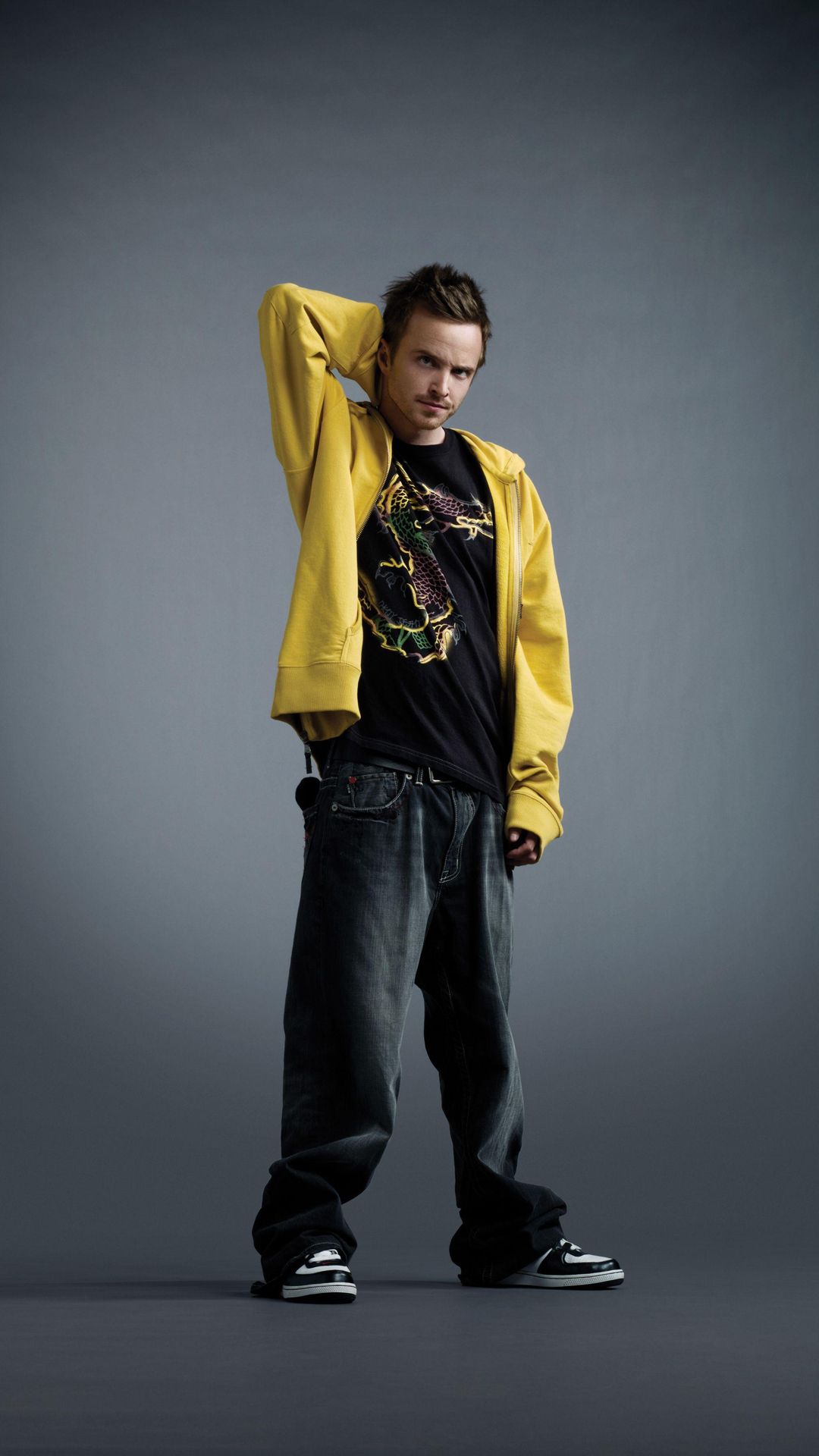 Example
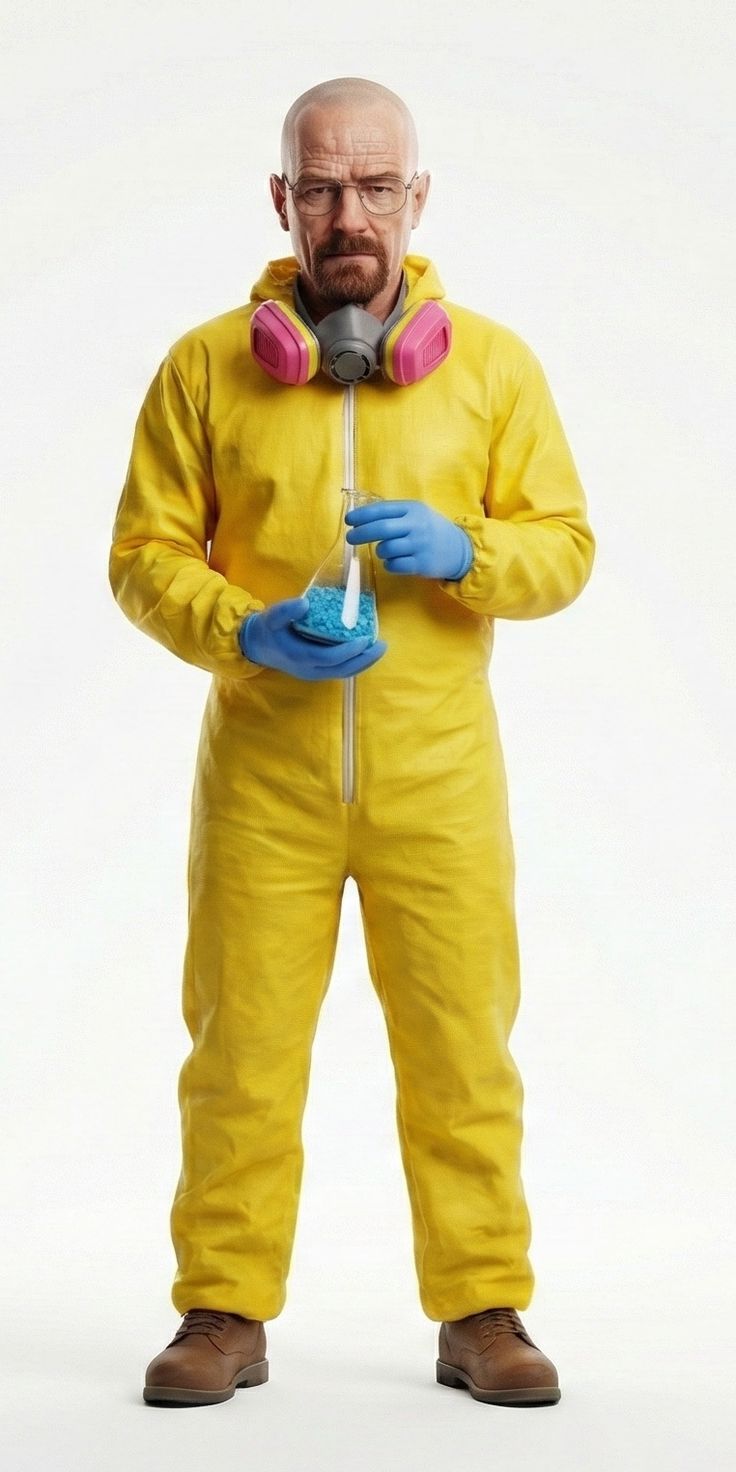 Example
What is the Alors on Danse AI trend?
Stromae released "Alors on danse" in 2009 (watch the official video on YouTube). In October 2026 a two-person AI meme took over Instagram and TikTok: a white studio, one person building the beat on a mini keyboard and laptop, the other clapping, pointing and hyping it up. It spread because the 'one does all the work, the other just hypes' dynamic fits any duo, from best friends and coworkers to tech CEOs. The scene comes from a scripted 2010 comedy sketch with Stromae and Jamel Debbouze, not a real studio session.
The Alors on Danse AI Video Generator is a 2-photo character swap of that scene. Upload one photo for the keyboard player and one for the hype partner, and in a few minutes you get a 12-second 16:9 clip with sound, ready for Reels, TikTok or Shorts. No prompt, no model to pick, no editing.
Want to swap people into a different clip? Use the Video to Video tool with your own source video. Credit prices are on the pricing page.
- Input
- 2 photos
- Output
- 12s · 768P
- Audio
- Music built in
- Aspect ratio
- 16:9
How to make an Alors on Danse AI video in 3 steps
Two photos: one of you on the keyboard, the other hyping the beat in the white studio.
IMG_01 IMG_02 Upload two photos
Photo 1 becomes the keyboard player on the left, photo 2 the hype partner on the right. One person per photo, face clearly visible.
Press Generate
The template replaces both people with the people from your photos and copies every move of the original white-studio scene.
Download & post
In a few minutes you get a 12-second 768P clip with sound, ready for Reels, TikTok or Shorts.
Why make your Alors on Danse video here?
- 2
Precise character swap
Each photo replaces exactly one person in the scene, face, hair and outfit included, while the original moves and timing stay the same.
Runs on the model with the highest success rate
We tested this scene across video models and the template uses the one that succeeded most often.
- AUDIO ON
Sound is already in the clip
Some Alors on Danse tools export a silent video and ask you to add the music yourself. Ours renders audio together with the picture, so you can download and post.
- 0
Zero prompts, failed renders refunded
Moves, camera and the white studio are locked in. If a render fails, your credits come back automatically.
More AI video templates
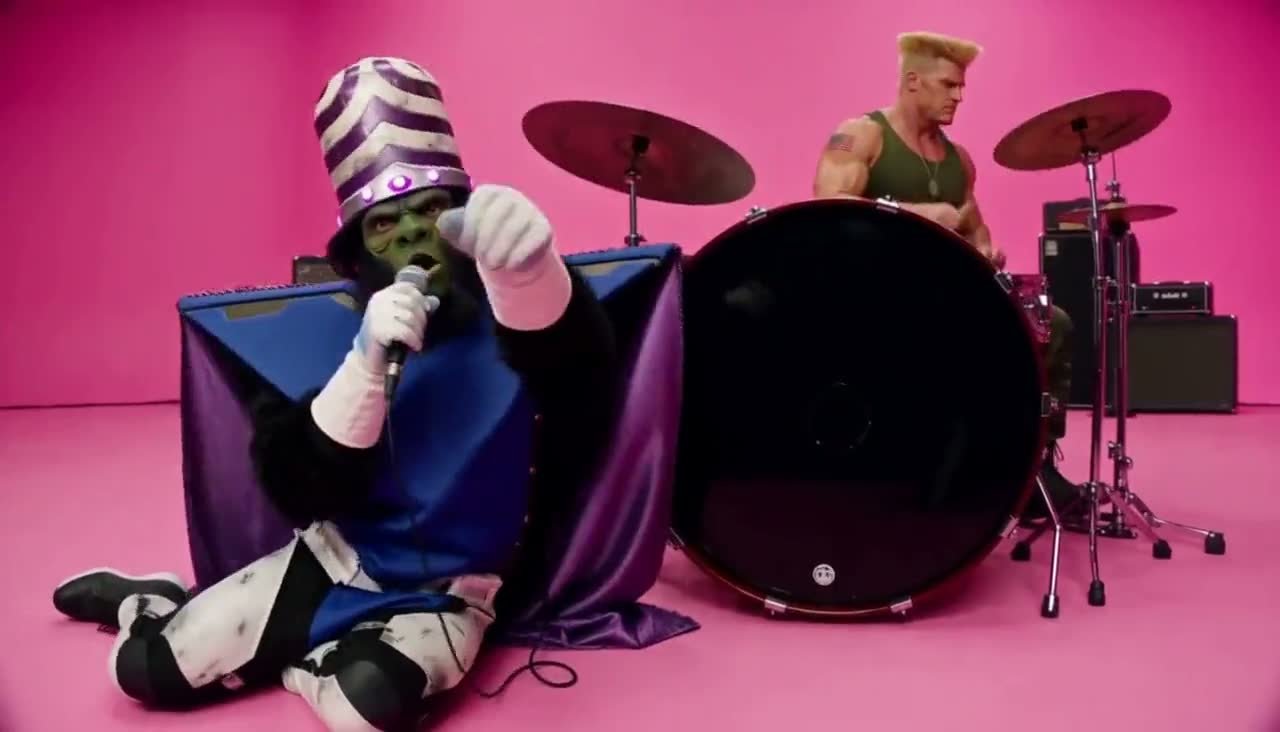
Alors on Danse AI video FAQ
What is an Alors on Danse AI video?
A short clip that recreates the viral white-studio meme: one person builds the beat on a keyboard and laptop, the other hypes beside them. AI replaces the two people with the people from your photos and keeps the moves.
How do I make the Alors on Danse AI meme with two photos?
Upload a clear photo for the keyboard player (left) and one for the hype partner (right), press Generate, and download the clip a few minutes later.
Is this a face swap or a character swap?
It is a character swap: the whole person is replaced, including face, hair and outfit from your photo, not just the face pasted onto the original.
Which photo plays the keyboard? Can I swap roles?
Photo 1 plays the keyboard on the left, photo 2 is the hype partner on the right. Upload them the other way round to swap roles.
Which photos work best?
One person per photo, facing the camera, face fully visible and evenly lit. Half-body or full-body shots keep the outfit more accurate than tight face crops.
How long is the video and what format is it?
12 seconds, 768P, 16:9, MP4 with sound.
Does the video have sound?
Yes. Audio is generated together with the picture, so the clip is ready to post without adding music in an editor.
Is the Alors on Danse AI video generator free?
Each video uses credits, and the exact cost is shown on the Generate button before you start. Plans and credit packs are on the pricing page.
What if the generation fails?
Your credits are refunded automatically. If the model flags the inputs as sensitive, try different photos.
Can I post it on TikTok, Reels or YouTube Shorts?
Yes, but label it as AI-generated where the platform asks, only use photos of people who agreed, and follow each platform's music rules.
Is this affiliated with Stromae?
No. This is an independent template, not made by or endorsed by Stromae, his labels or publishers, or the creators of the viral clips.
How we made this template
By the SimpEdit teamLast updated
- Seedance 2.5
- 2/5
- 3 blocked by the copyright filter
- MiniMax H3 (used)
- 4/5
- 1 blocked: copyrighted photo
We ran this exact scene 5 times on Seedance 2.5 and 5 times on MiniMax H3 with the same two reference photos. Seedance 2.5 finished 2 of 5 runs; the other 3 were blocked by its copyright filter. MiniMax H3 finished 4 of 5; the one failure was blocked because the photo itself was copyrighted. The template runs on MiniMax H3. Output: 12 s, 768P, 16:9, with sound.
Independent template; not affiliated with or endorsed by Stromae, his labels or publishers, or the creators of the viral clips. Use photos you have the rights to: copyrighted images can be blocked by the model.
Sources: Alors on danse (official video) on YouTube · Alors on danse on Wikipedia